
Introduction
A slow computer can make everyday tasks frustrating and reduce productivity. Whether you are working, studying, gaming, or browsing the internet, poor PC performance can waste valuable time and create unnecessary problems.
computers often become slower because of unnecessary files, too many installed programs, outdated software, limited storage space, and background processes using system resources. Even a computer that worked perfectly when it was new can lose speed after years of regular use.
The good news is that you do not always need to buy a new computer to improve performance. With proper maintenance, system optimization, and a few smart adjustments , you can make your PC faster and more efficient.
modern operating systems and optimization tools provide many ways to improve computer speed. By following the right techniques, beginners and advanced users can enhance their PC performance without spending a lot of money.
Understanding Why PCs Become Slow
Before improving computer speed, it is important to understand why a PC becomes slower over time. Performance usually happen because of a combination of software problems, storage , and hardware conditions.
Identifying the main cause of slow performance helps users choose the right solution instead of making unnecessary changes.
A computer may slow down because of background applications, low storage space, overheating, outdated drivers, or insufficient hardware resources.
Common Reasons Behind Slow Computer Performance
One major reason computers become slow is the increasing number of programs installed over time. Many applications continue running in the background even when users are not actively using them.
These programs consume RAM, processor power, and storage resources, leaving fewer resources available for important tasks.
Another common issue is the accumulation of temporary files, cache data, and unnecessary downloads. When storage becomes crowded, the system may struggle to perform smoothly.
How Hardware Affects PC Speed
Hardware components play a major role in determining computer performance. The processor, RAM, storage drive, and graphics card all influence how quickly a PC can complete tasks.
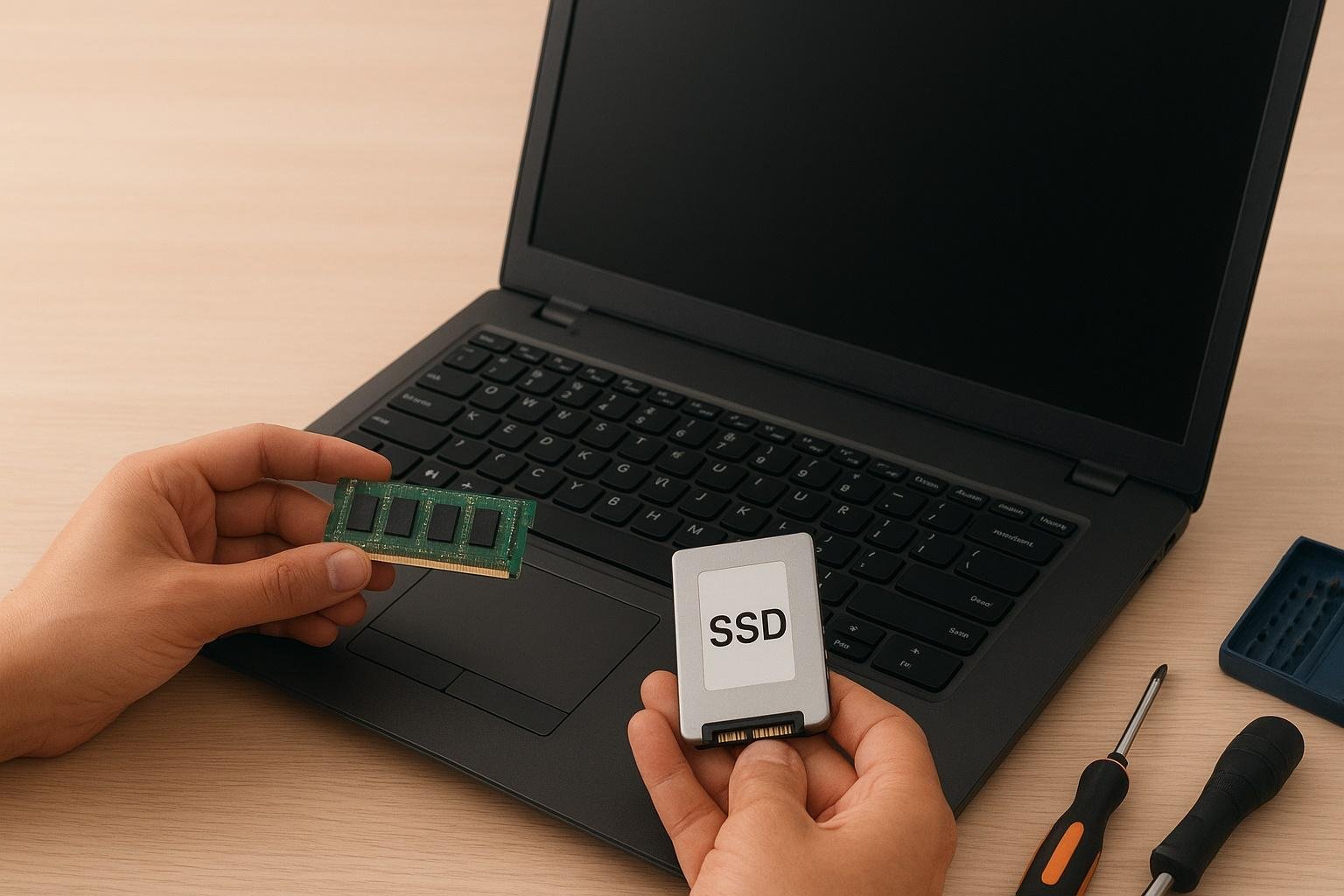
Older hardware may struggle with modern applications, especially programs that require high processing power.
Upgrading certain components can significantly improve performance, but many software optimizations can also provide noticeable improvements.
Best Ways to Speed Up Your PC
There are many methods to improve PC performance without replacing the entire system. Simple changes in settings, regular maintenance, and better resource management can make a significant difference.
The following techniques can help users create a faster and smoother computer experience.
Remove Unnecessary Programs
Many computers contain applications that are rarely used. These programs take up storage space and may run background services that slow down the system.
Removing unused software helps free resources and makes the computer more organized.
Regularly reviewing installed programs is a good habit because it prevents unnecessary applications from affecting performance.
Why Unused Applications Slow Down PCs
Some applications automatically install additional services that run in the background. Even if users do not open these programs, they may continue using system resources.
Over time, these small processes can reduce available memory and processing power.
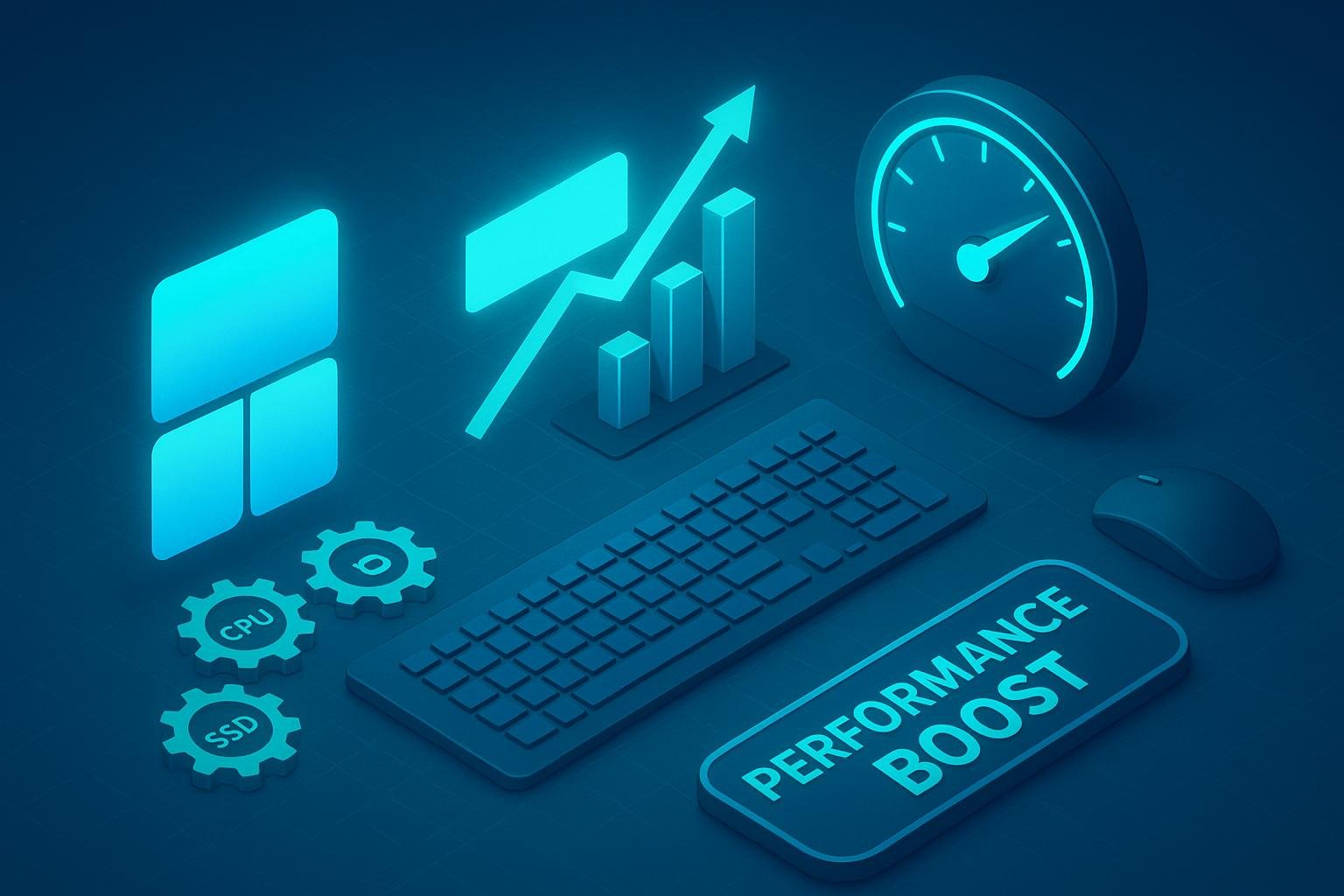
Removing unnecessary applications allows the computer to focus on important tasks.
How to Safely Remove Programs
Users should uninstall applications they no longer need through the system settings. It is important to avoid removing essential system software.
Before deleting unknown programs, users should check their purpose to prevent accidental removal of important files.
Clean Storage and Remove Junk Files
Storage management is one of the easiest ways to improve PC performance. Temporary files, old downloads, and unnecessary data can occupy valuable space.
A computer with limited free storage may experience slower performance because the operating system needs space for temporary operations.
Regular cleaning helps maintain better system speed.
Delete Temporary Files
Temporary files are created by applications and the operating system during normal use. While some are useful for short periods, many become unnecessary after tasks are completed.
Removing these files can free storage space and improve system efficiency.
Organize Large Files
Large videos, duplicate files, and unused documents can take up significant storage space.
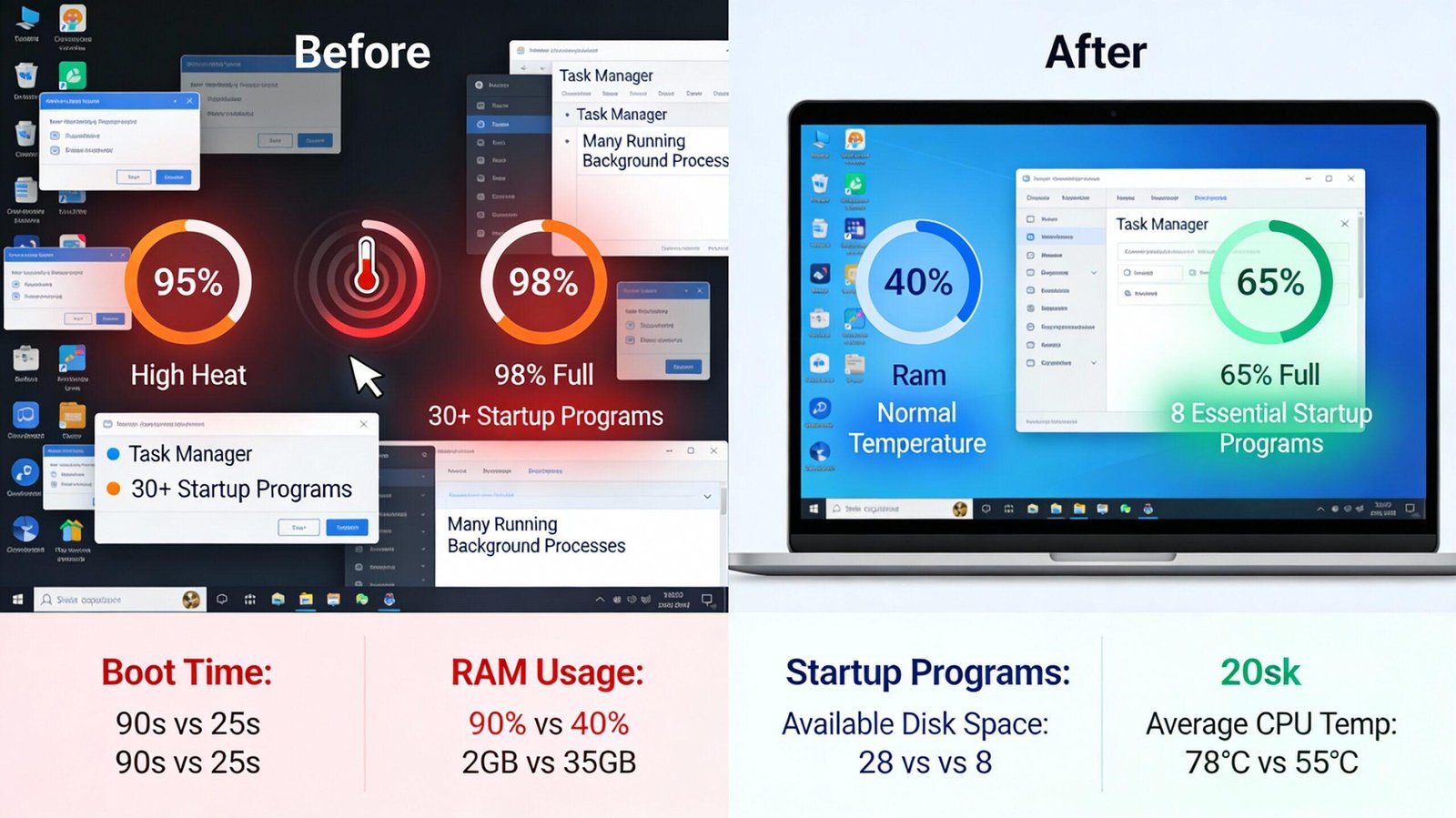
Organizing files and moving important data to external storage or cloud services can improve system management.
Upgrade From HDD to SSD
One of the most effective ways to speed up an older computer is replacing a traditional hard drive with a solid-state drive.
SSDs provide much faster data access compared to older mechanical hard drives, resulting in quicker startup times and faster application loading.
This upgrade can make an older PC feel significantly more responsive.
Benefits of Using an SSD
SSDs improve many aspects of computer performance, including boot speed, file transfers, and application loading times.
Users often notice a major difference after upgrading from an HDD to an SSD.
This makes SSD upgrades one of the most recommended improvements for slow computers.
Choosing the Right SSD
When selecting an SSD, users should consider storage capacity, compatibility, and performance requirements.
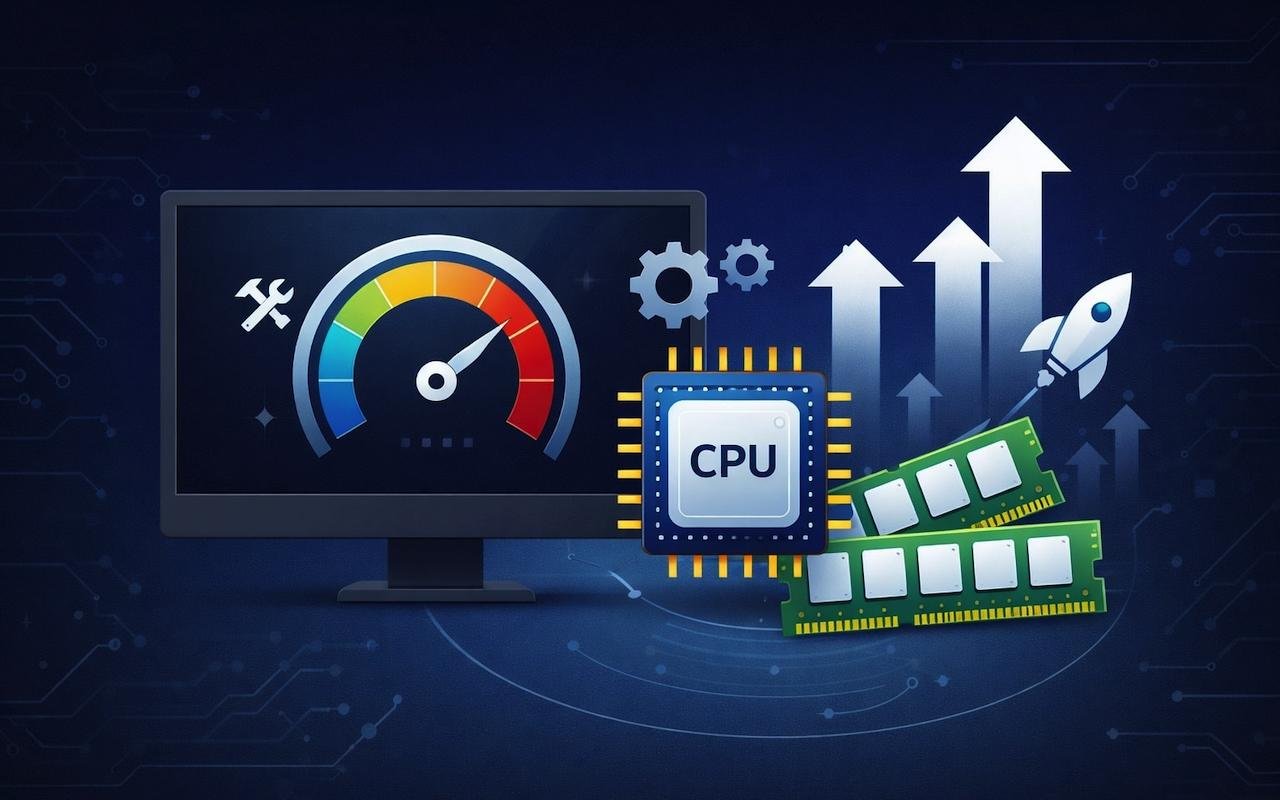
A suitable SSD can provide long-term benefits and improve overall computer experience.
Increase RAM for Better Multitasking
RAM plays an important role in handling multiple applications at the same time. When a computer does not have enough memory, it may become slow while switching between programs.
Adding more RAM can improve multitasking performance and make applications run more smoothly.
This is especially useful for users who regularly work with multiple programs.
Signs Your PC Needs More RAM
Slow performance while opening multiple applications, frequent freezing, and delays during multitasking may indicate insufficient RAM.
Users can check memory usage through system monitoring tools.
Benefits of More RAM
Additional RAM allows the computer to handle more tasks without slowing down.
It improves productivity for students, professionals, gamers, and creative users.
Manage Startup Applications
Many programs automatically start when the computer turns on. While some startup applications are necessary, many are not required immediately.
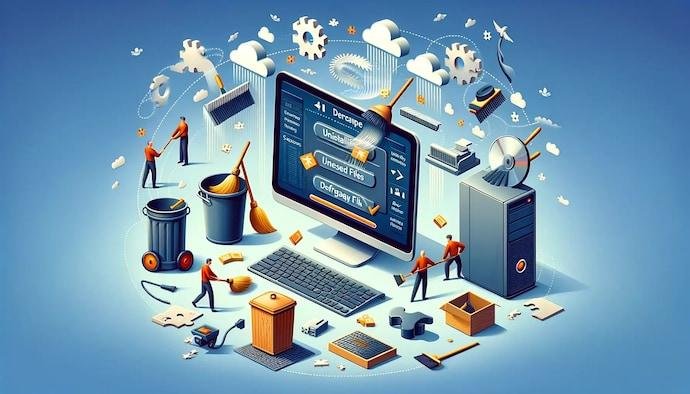
Reducing unnecessary startup programs can improve boot speed and make the computer ready faster.
How Startup Programs Affect Speed
When multiple applications launch at startup, they compete for system resources.
This increases startup time and can make the computer feel slower after turning it on.
Managing Startup Settings
Users can review startup applications and disable unnecessary programs.
However, important security and system applications should remain enabled.
Keep Software and Drivers Updated
Software updates often include performance improvements, security fixes, and compatibility improvements.
Outdated software and drivers can create problems that affect computer speed and stability.
Keeping everything updated helps maintain better performance.
Importance of Driver Updates
Drivers allow hardware components to communicate properly with the operating system.
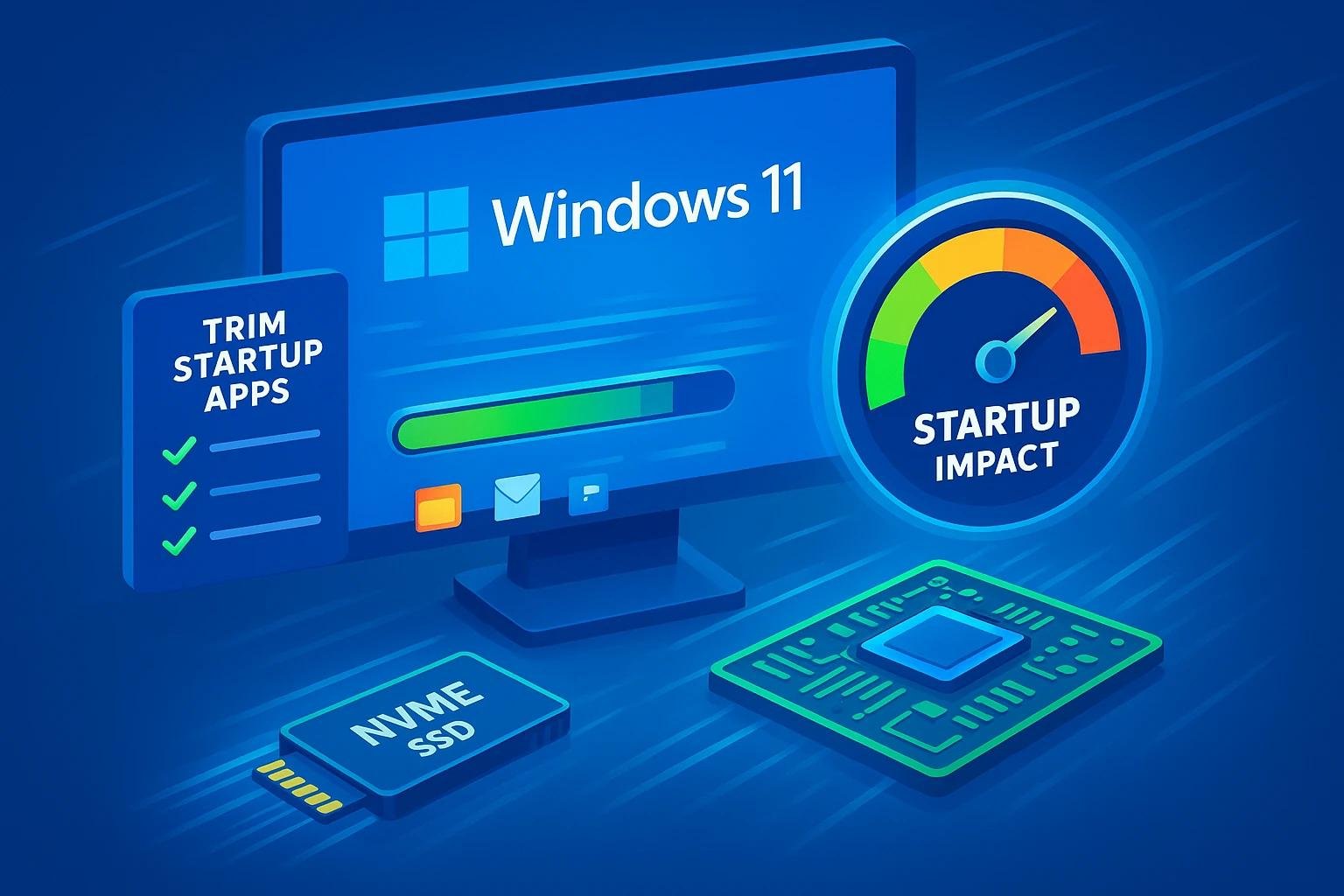
Updated drivers can improve performance, especially for graphics cards, network devices, and other hardware.
Benefits of Software Updates
Updated applications usually work better and may include improvements that reduce resource usage.
Regular updates help keep the entire system more reliable.
Advanced Methods to Improve PC Performance
Users who want additional speed improvements can explore advanced optimization methods.
These techniques require more attention but can provide better results when applied correctly.
Adjust Visual Effects
Modern operating systems include animations and visual effects that improve appearance but use system resources.
Reducing unnecessary effects can improve performance, especially on older computers.
Users can prioritize performance over appearance to create a faster experience.
Prevent Overheating
Heat can reduce computer performance because processors automatically slow down when temperatures become too high.
Keeping the computer clean and ensuring proper airflow helps maintain stable performance.
Regular cleaning of dust and proper ventilation can improve long-term reliability.
PC Speed Tips for Students, Beginners, and Businesses
Different users have different computer needs, but improving performance benefits everyone.
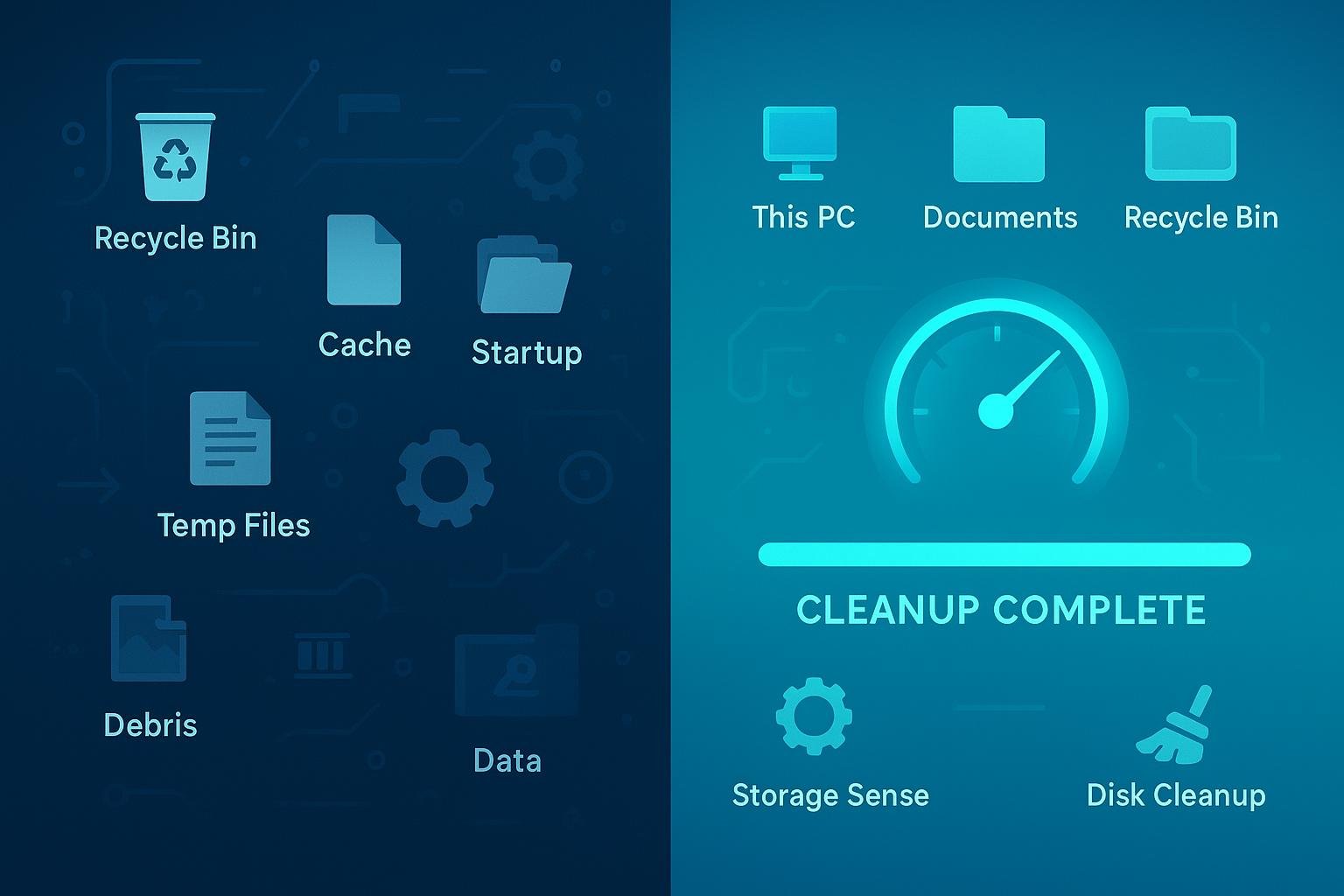
A faster PC helps users complete tasks more efficiently and reduces frustration.
For Students
Students can improve computer speed by removing unused applications, organizing files, and maintaining enough storage space.
A faster computer helps with online learning, research, and productivity tasks.
For Beginners
Beginners can use simple methods such as cleaning files, updating software, and managing startup programs.
These steps do not require advanced technical knowledge.
For Businesses
Businesses can improve productivity by maintaining employee computers and preventing performance problems.
Regular optimization reduces downtime and improves workplace efficiency.
FAQs
Why is my computer suddenly slow?
A computer may become slow because of background programs, storage problems, outdated software, malware, or hardware limitations.
Does cleaning files make a PC faster?
Yes, removing unnecessary files can improve storage availability and help the system run more efficiently.
Is upgrading RAM worth it?
Upgrading RAM can significantly improve multitasking performance, especially on computers with limited memory.
Does an SSD make a PC faster?
Yes, SSDs provide faster data access and can greatly improve startup times and application performance.
How often should I optimize my PC?
Regular maintenance every few months can help keep your computer running smoothly.
Conclusion
Speeding up your PC does not always require buying a new device. With proper maintenance, storage management, hardware upgrades, and system optimization, you can improve performance significantly.
Simple steps such as removing unnecessary programs, upgrading to an SSD, increasing RAM, managing startup applications, and keeping software updated can make a major difference.
Whether you are a student, beginner, or business user, a faster computer improves productivity and creates a better digital experience. Regular maintenance will continue to be one of the most effective ways to keep PCs running efficiently and beyond.