
Introduction
Creating professional graphics has become much easier than it was a few years ago. Today, individuals, students, businesses, and content creators can design social media posts, presentations, marketing materials, logos, flyers, and videos without needing advanced graphic design skills. Cloud-based design platforms have made creative work accessible to almost everyone.
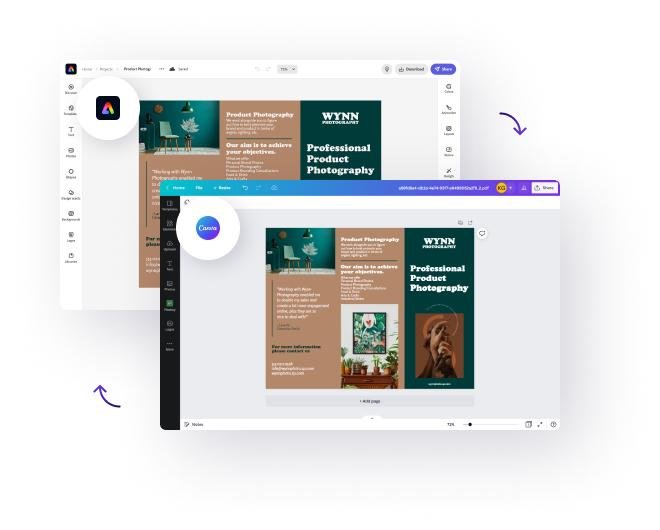
Among the most popular online design platforms are Canva and Adobe Express. Both provide drag-and-drop editing, ready-made templates, AI-powered features, and collaboration tools that simplify the design process. However, despite their similar purpose, they are built for different types of users and offer unique strengths.
Choosing between Canva and Adobe Express can be difficult because both platforms continue to improve every year. they include artificial intelligence, cloud , brand management, and content generation tools that help users create professional designs more efficiently.
This comparison explains the major differences between Canva and Adobe Express, helping you decide which platform best matches your creative needs.
What Are Canva and Adobe Express?
Canva and Adobe Express are online graphic design platforms that allow users to create professional visual content without requiring advanced design experience. They provide templates, editing tools, stock resources, and AI-powered features that make design projects faster and more accessible.
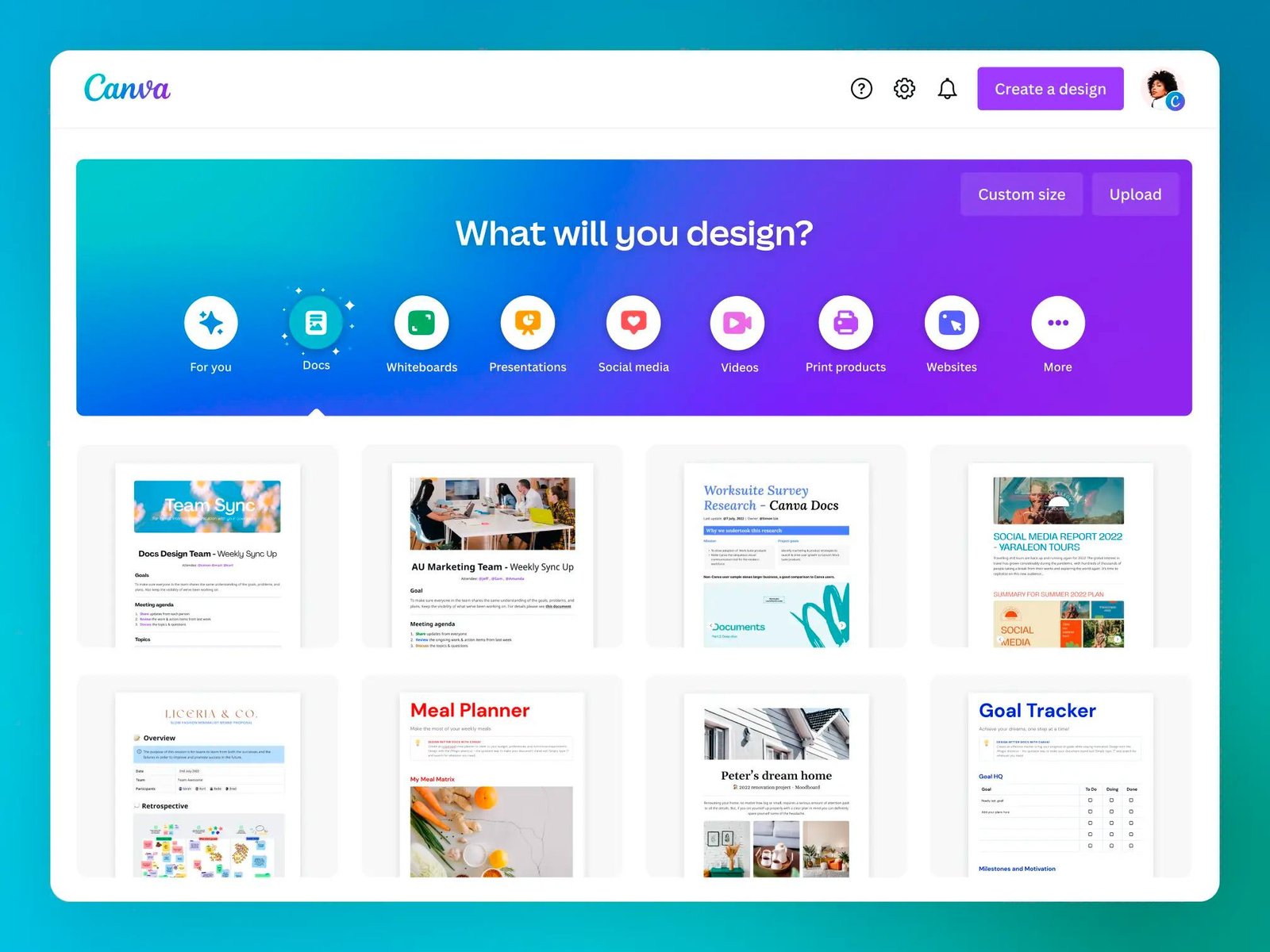
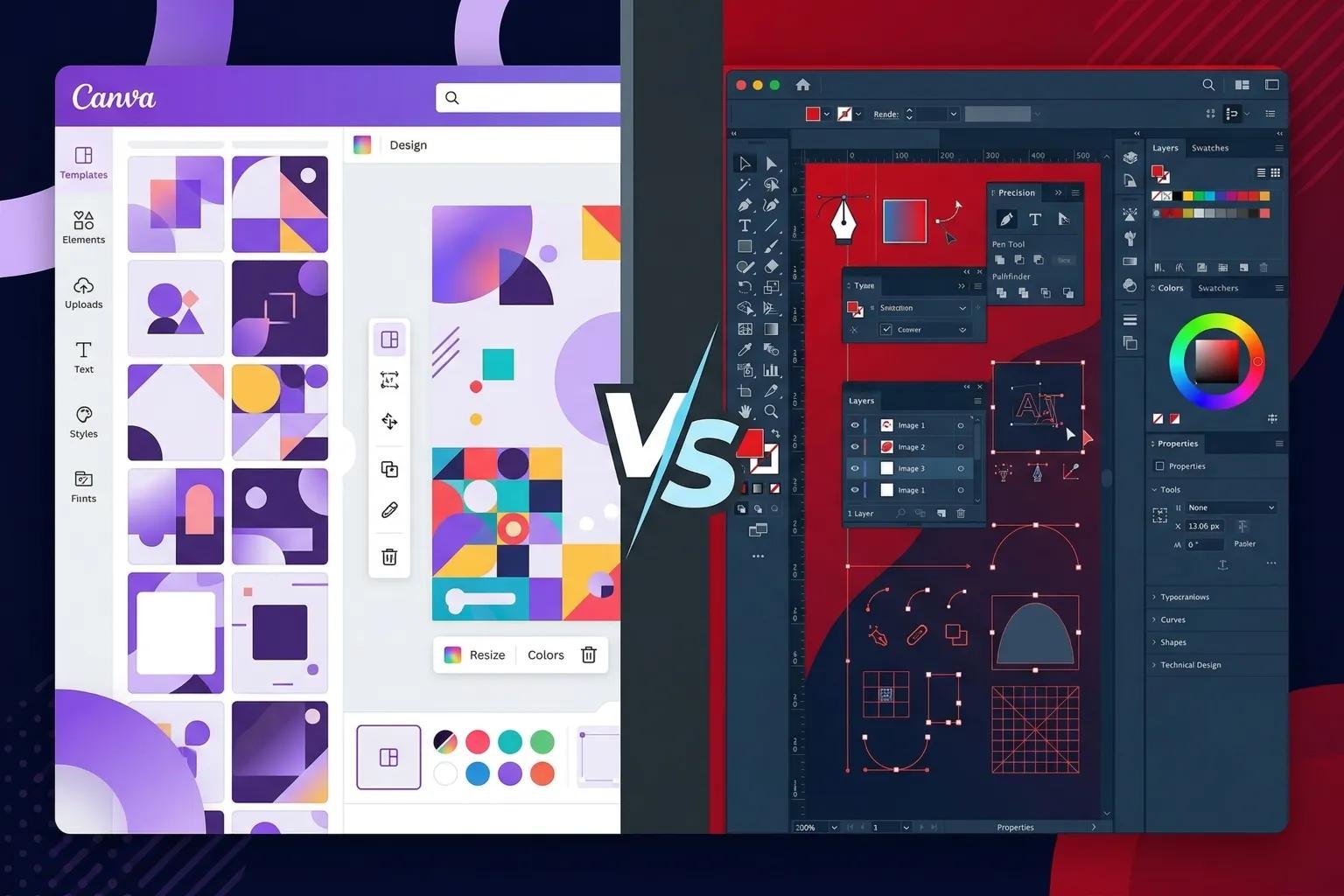
Although both applications perform similar tasks, they have different design philosophies. Canva focuses on simplicity and ease of use, while Adobe Express benefits from Adobe’s long history of professional creative software.
Both platforms support web browsers and mobile devices, allowing users to work from almost anywhere.
How Do These Design Platforms Work?
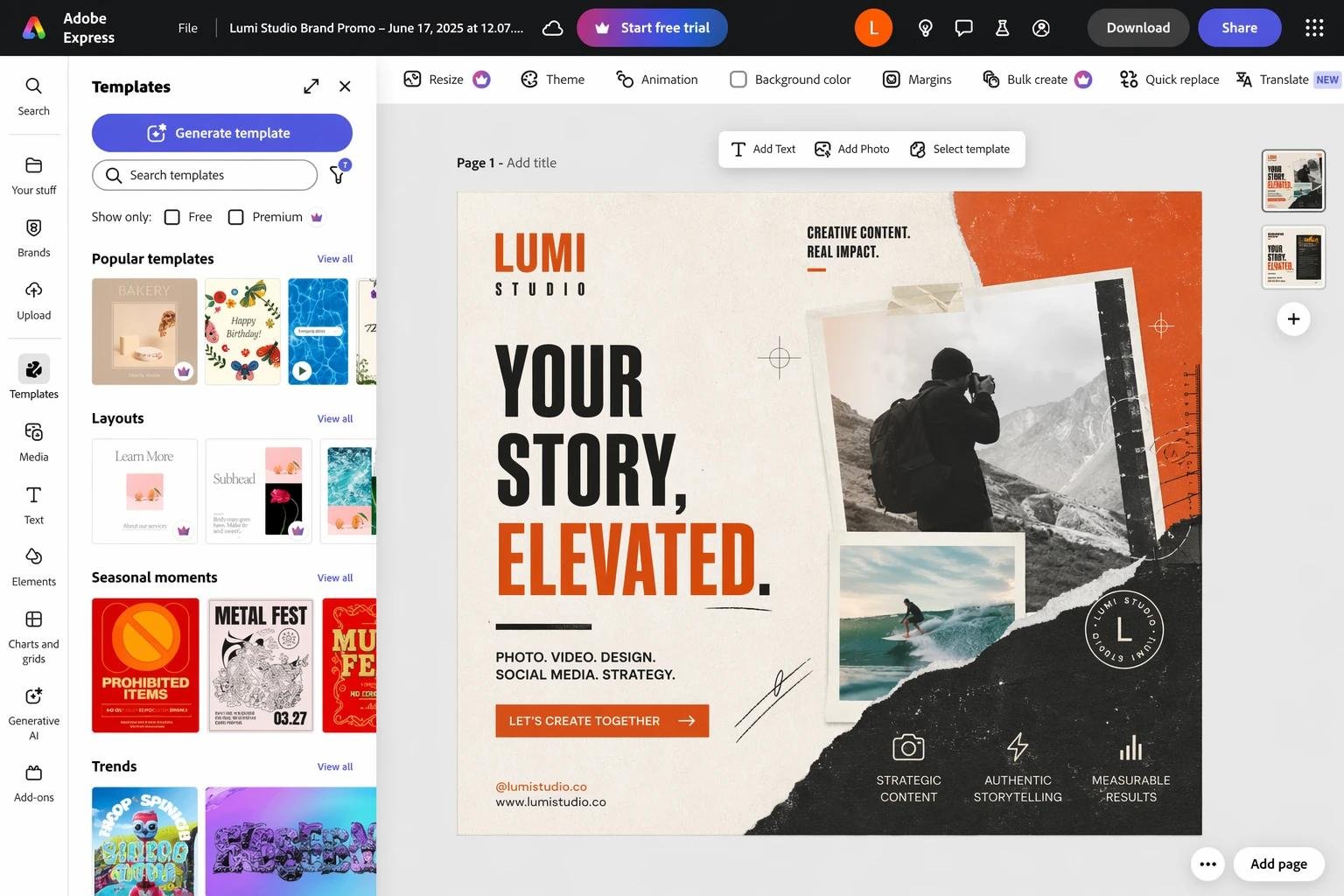
Users begin by selecting a template or creating a blank design. They can then add text, images, videos, animations, and design elements using simple drag- and-drop controls.
Artificial intelligence now assists users by generating images, suggesting layouts, removing backgrounds, and improving design quality automatically. These smart tools reduce editing time and help beginners create polished designs more easily.
Cloud synchronization also allows projects to be edited across multiple devices without losing progress.
Why Are Online Design Tools So Popular?
Modern businesses, students, and creators regularly produce visual content for websites, presentations, advertisements, and social media platforms. Traditional graphic design software often requires significant training, making it difficult for beginners.
Online platforms simplify the creative process by offering professionally designed templates and user-friendly interfaces. This allows users to focus more on creativity rather than learning complicated software.
As digital marketing continues to grow, online design tools have become valuable resources for personal and professional projects.
Canva vs Adobe Express: Feature Comparison
Both Canva and Adobe Express offer impressive features, but they excel in different areas. Understanding their strengths helps users select the platform that best supports their workflow.
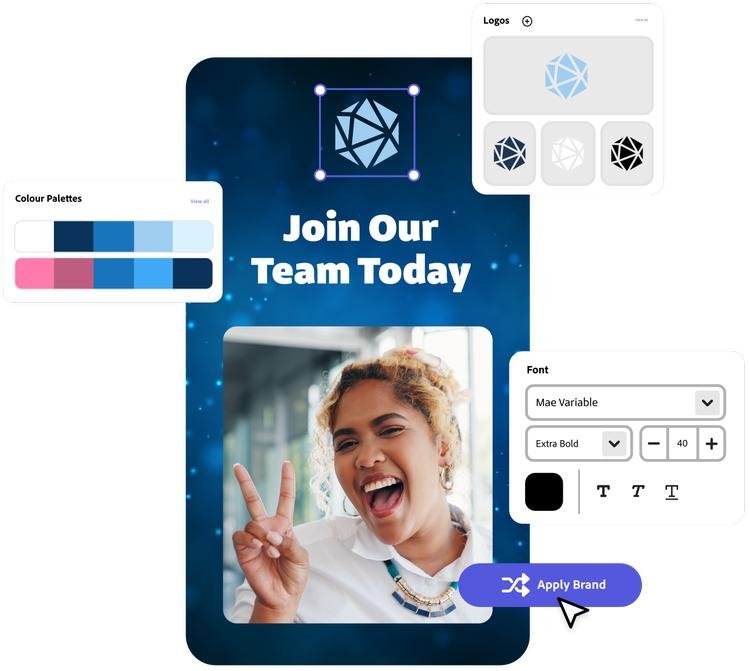
The following comparison covers the most important areas that influence everyday design work.
User Interface and Ease of Use
Canva is widely recognized for its extremely simple interface. Even first-time users can quickly create attractive graphics because tools are clearly organized and templates are easy to customize.
Adobe Express also provides a clean interface, but users familiar with Adobe products may feel more comfortable navigating its features. While still beginner-friendly, some advanced options require slightly more exploration.
For users with little or no design experience, Canva generally provides the faster learning experience.
Canva’s Simple Workflow
Canva focuses on reducing complexity by placing editing tools exactly where users expect them. Most tasks require only a few clicks, making the design process enjoyable and efficient.
Its large collection of templates also allows beginners to complete projects without starting from scratch.
This simplicity has contributed significantly to Canva’s worldwide popularity.
Adobe Express Interface
Adobe Express balances simplicity with additional creative flexibility. It includes tools inspired by Adobe’s professional design ecosystem while remaining accessible to beginners.
Users who later transition to Adobe Photoshop or Illustrator may find the learning experience beneficial because of the familiar design environment.
The interface remains organized even when working on larger creative projects.
Templates and Design Resources
Templates play an important role in speeding up the design process. Both Canva and Adobe Express provide thousands of ready-made templates covering social media, business education, and marketing.
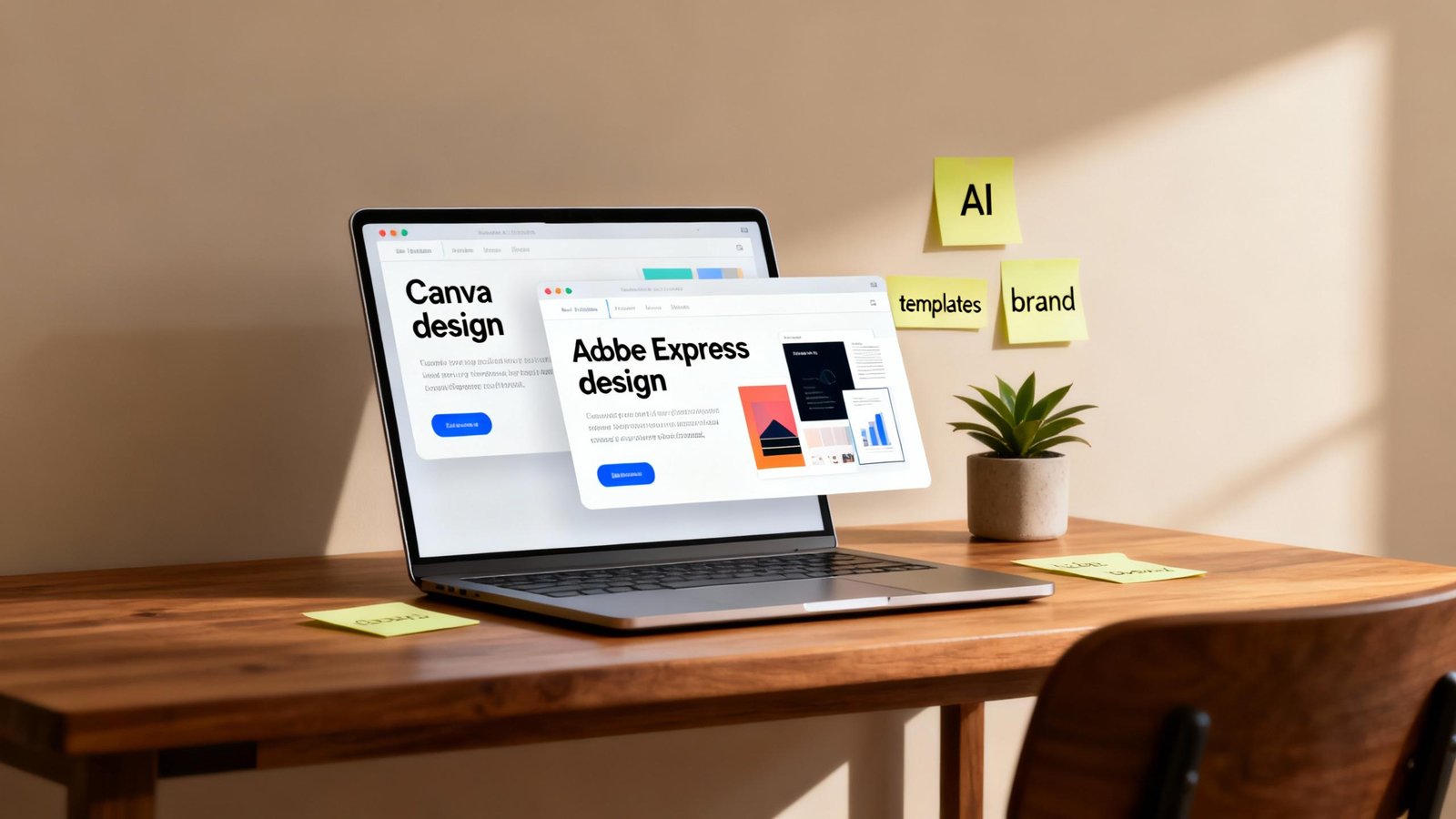
The quality and variety of templates make it possible to produce professional-looking graphics within minutes.
Choosing between them depends on the type of projects users create most often.
Canva Template Collection
Canva offers one of the largest template libraries available online. Users can choose from designs for presentations, resumes, brochures, business cards, invitations, videos, and social media posts.
Its extensive library helps beginners quickly find layouts suitable for almost any purpose.
Frequent template updates also keep designs aligned with current trends.
Adobe Express Creative Assets
Adobe Express provides professionally designed templates together with access to Adobe’s creative resources. Many templates emphasize modern branding and marketing materials.
Users also benefit from Adobe Fonts and high-quality design assets that improve creative flexibility.
These resources make Adobe Express for business-oriented projects.
AI Features and Smart Editing
Artificial intelligence has become a major part of modern design software. Both Canva and Adobe Express now include AI-powered tools that simplify creative work.

These features help users save time while improving overall design quality.
Canva AI Tools
Canva includes AI features for text generation, image creation, background removal, design suggestions, and automatic resizing.
These tools allow users to complete complex editing tasks with minimal effort while maintaining professional results.
Its AI assistant is especially useful for content creators who produce graphics regularly.
Adobe Express AI Features
Adobe Express benefits from Adobe’s AI technologies, providing intelligent image editing, text effects, background generation, and advanced creative enhancements.
Its AI capabilities continue expanding, particularly for users who create marketing materials and branded content.

These features provide more creative flexibility while reducing manual editing.
Collaboration and Productivity
Collaboration has become increasingly important as teams work remotely. Both Canva and Adobe Express support cloud-based teamwork and shared projects.
The ability to review, comment, and edit documents together improves productivity.
Canva Collaboration Tools
Canva allows multiple users to work on the same project, leave comments, and organize brand assets within shared workspaces.
Its collaboration features are especially valuable for educational institutions and business teams.
Real-time editing also helps reduce communication delays.
Adobe Express Team Features
Adobe Express provides collaboration capabilities that integrate well with Adobe’s broader creative ecosystem.
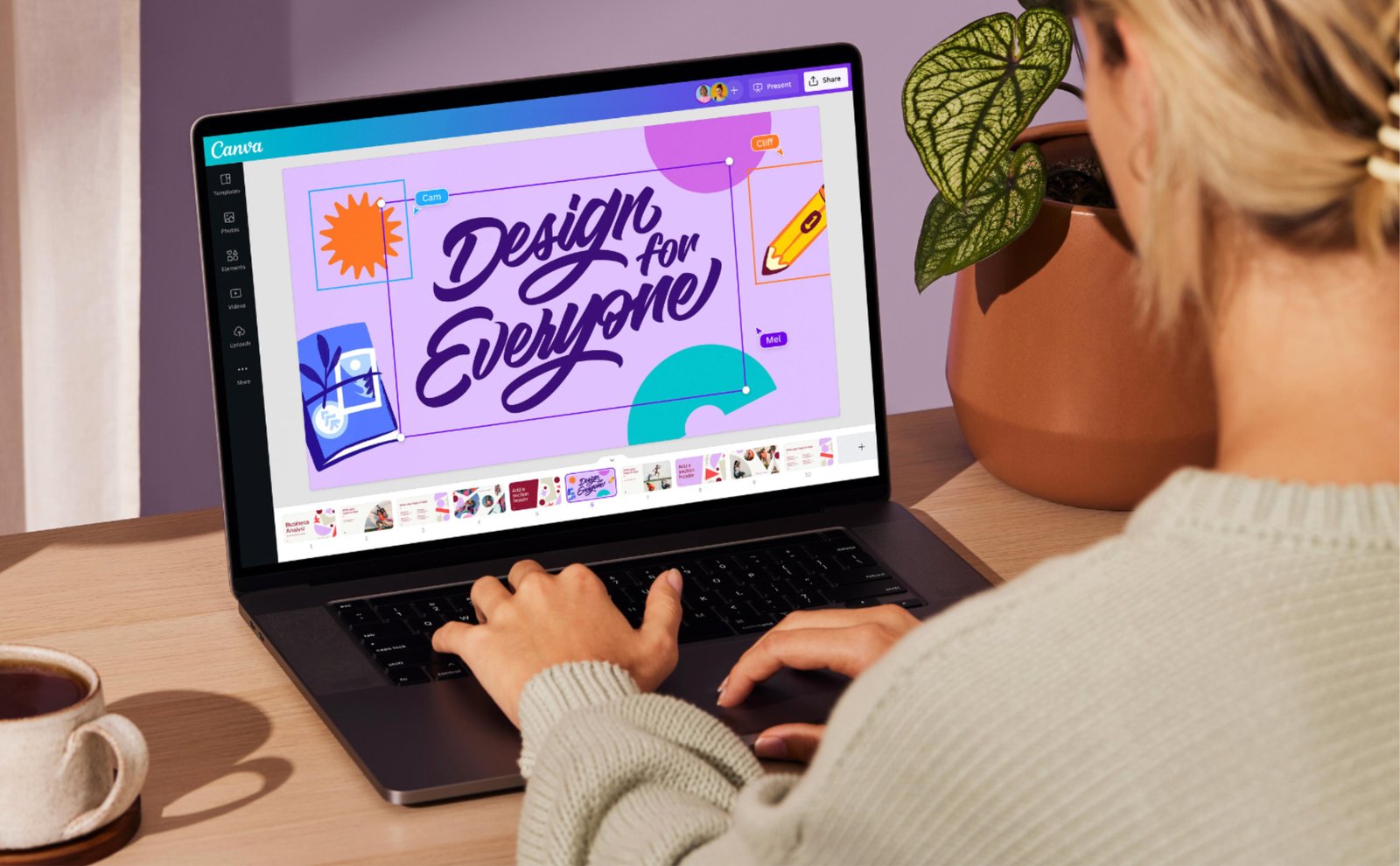
Businesses using multiple Adobe products often benefit from smoother workflows across different creative applications.
Shared branding resources also improve consistency across marketing projects.
Benefits of Canva and Adobe Express
Both design platforms provide significant advantages for different types of users. The best choice depends on individual priorities rather than one platform being universally better.
Understanding these benefits helps users make informed decisions.
Fast Content Creation
Both applications allow users to create professional graphics much faster than traditional design software.
Templates, AI tools, and drag-and-drop editing eliminate much of the technical complexity associated with graphic design.
This speed helps individuals and businesses produce more content in less time.
Beginner-Friendly Learning Experience
Neither platform requires advanced graphic design knowledge. New users can begin creating attractive projects almost immediately.
This accessibility encourages creativity while reducing the time needed to learn design software.
As confidence grows, users can gradually explore more advanced features.
Cloud-Based Flexibility
Cloud storage allows users to access projects from different devices without manually transferring files.
Automatic saving also reduces the risk of losing work during editing.
Flexible access supports remote work, education, and collaborative projects.
How to Choose Between Canva and Adobe Express
Selecting the right platform depends on your design goals, budget, and preferred workflow. Both applications provide excellent value, but each serves slightly different audiences.
Evaluating your long-term creative needs will help you make the best decision.
Choose Canva If…
Canva is an excellent choice for beginners, students, teachers, freelancers, and small businesses that prioritize simplicity and a large template library.
Its intuitive interface makes creating everyday designs quick and enjoyable.
Users who frequently create social media content often appreciate Canva’s workflow.
Choose Adobe Express If…
Adobe Express is well suited for users already working within Adobe’s creative ecosystem or those who need stronger branding and professional creative assets.
Its connection with Adobe technologies provides additional creative opportunities.
Businesses that use other Adobe products may find Adobe Express easier to integrate into existing workflows.
Consider Your Budget
Both platforms offer free versions together with premium subscription plans.
Comparing included features rather than simply subscription prices helps users choose the plan that offers the greatest value.
Future software updates should also be considered before making a long-term decision.
Limitations of Canva and Adobe Express
Although both platforms are highly capable, neither is perfect for every design project.
Understanding their limitations helps users choose realistic expectations.
Limited Compared to Professional Design Software
While Canva and Adobe Express provide many editing features, they cannot fully replace advanced applications such as Adobe Photoshop or Illustrator for highly detailed graphic design work.
Professional designers may occasionally require more specialized software.
However, for everyday design tasks, both platforms remain highly effective.
Internet Connection Required
Both platforms primarily operate online, meaning users depend on stable internet access for many features.
Although some offline capabilities exist, cloud-based functionality remains central to both applications.
Reliable internet access improves the overall experience.
Premium Features Require Subscription
Many advanced templates, AI tools, premium images, and branding features require paid subscriptions.
Users should compare subscription benefits with their actual design needs before upgrading.
Free plans remain sufficient for many personal projects.
Future of Online Design Platforms
Graphic design software continues evolving rapidly through artificial intelligence and automation.
Future platforms will become even more intelligent while simplifying complex creative tasks.
Smarter AI Design Assistants
Artificial intelligence will continue improving automatic layout generation, image editing, branding suggestions, and content creation.
Future AI systems may generate complete marketing campaigns with minimal user input.
This will further increase design productivity.
Better Team Collaboration
Cloud collaboration tools will become more advanced, allowing creative teams to work together seamlessly regardless of location.
Improved version control and project management features will simplify teamwork even further.
Businesses will benefit from faster creative workflows.
Canva vs Adobe Express for Students, Beginners, and Businesses
Different users have different priorities when selecting design software.
Understanding which platform fits specific needs helps users make confident decisions.
For Students
Students generally benefit from Canva because of its extensive educational templates, presentations, infographics, and simple editing tools.
Its intuitive interface reduces the learning curve while supporting academic creativity.
Collaborative features also simplify group assignments.
For Beginners
Beginners usually find Canva easier to learn because of its straightforward workflow and large template collection.
Adobe Express also remains beginner-friendly, particularly for users interested in exploring Adobe’s creative ecosystem.
Both platforms provide excellent starting points for learning digital design.
For Businesses
Businesses may choose either platform depending on branding requirements and existing software ecosystems.
Adobe Express integrates well with Adobe products, while Canva offers efficient collaboration and fast content creation.
Both platforms support professional marketing and business communication.
FAQs
Is Canva better than Adobe Express?
Neither platform is universally better. Canva is generally easier for beginners, while Adobe Express offers stronger integration with Adobe’s creative ecosystem.
Can I use Canva and Adobe Express for free?
Yes. Both platforms provide free plans with essential features, while premium subscriptions unlock additional templates, AI tools, and creative resources.
Which platform is better for social media graphics?
Both are excellent choices, but Canva offers a wider variety of ready-made social media templates for beginners.
Does Adobe Express use AI?
Yes. Adobe Express includes AI-powered tools for image editing, text effects, background generation, and other creative tasks.
Which platform is best for businesses?
Both platforms work well for businesses. The best choice depends on workflow, branding needs, collaboration requirements, and existing software preferences.
Conclusion
Canva and Adobe Express are two of the best online design platforms available. Both provide powerful editing tools, AI-powered features, professional templates, and cloud collaboration that simplify graphic design for users of all experience levels.
Canva stands out for its beginner-friendly interface, enormous template collection, and simple , making it ideal for students, and content creators. Adobe Express offers deeper integration with Adobe’s creative ecosystem, making it an attractive choice for businesses and users who already work with Adobe products.
Ultimately, the right choice depends on your personal goals, design experience, and creative workflow. Regardless of which platform you choose, both applications provide excellent tools for creating professional-quality visual content quickly and efficiently.