
Introduction
As more of our daily activities move online, protecting digital accounts has become more important than ever. From email and social media to online banking and shopping, almost every service requires a password. Many people still use weak passwords or reuse the same password across multiple accounts, making them more vulnerable to cyberattacks.
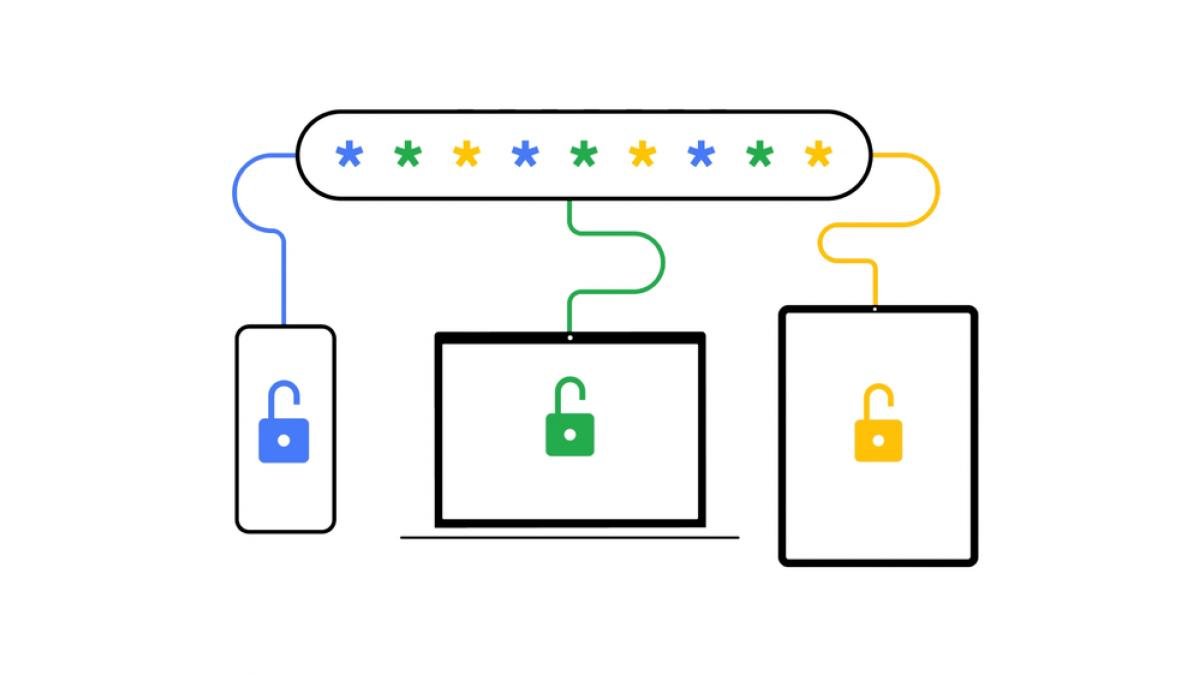
A password manager provides a simple and secure solution by storing passwords in an encrypted vault and generating strong, unique passwords for every account. Instead of remembering dozens of complicated passwords, users only need to remember one secure master password.
password managers have evolved beyond simple password storage. Many now include advanced features such as biometric authentication, secure password sharing, dark web monitoring, passkey support, and multi-device synchronization. These features help users improve both convenience and security without making account management more difficult.
Whether you are a student, professional, freelancer, or business owner, using a reliable password manager is one of the smartest steps you can take to improve your online security.
What Is a Password Manager?
A password manager is a software application that securely stores login credentials for websites, mobile applications, and online services. Instead of writing passwords on paper or saving them in unsecured documents, users can keep all their credentials inside an encrypted digital vault.
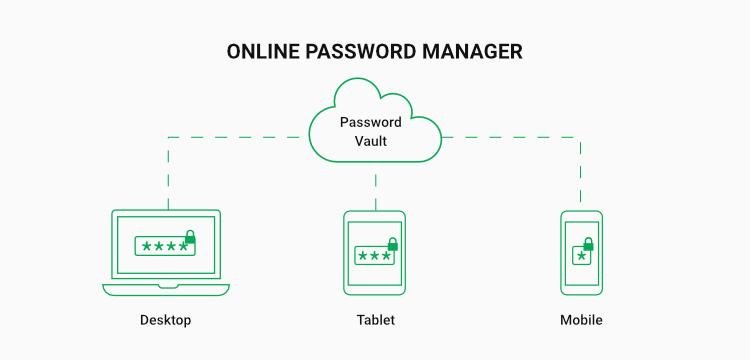
Most password managers work across multiple devices, allowing users to access their passwords from computers, smartphones, and tablets while keeping their information synchronized and protected.
How Does a Password Manager Work?
A password manager encrypts all stored information using advanced encryption technology before saving it inside a secure vault. When users visit a website or application, the password manager can automatically fill in login details, saving time while reducing typing errors.
Many password managers also include password generators that create long, random, and highly secure passwords. These generated passwords are much stronger than passwords most people create manually.
Some services even monitor saved passwords for security risks and notify users if one of their accounts has been involved in a known data breach, allowing them to change compromised credentials quickly.
Why Is Password Security Important?
Cybercriminals continuously search for weak passwords because they are often the easiest way to gain unauthorized access to personal information. A single compromised password can sometimes expose multiple accounts if the same password has been reused elsewhere.
Strong password habits significantly reduce the chances of identity theft, financial fraud, and unauthorized account access. A password manager makes these habits easier by handling password creation and storage automatically.
As online services continue to grow, password managers have become essential tools for maintaining digital security without sacrificing convenience.
Best Password Managers
Many password managers are available today, and each offers different security features, pricing plans, and user experiences. Choosing the right option depends on personal preferences, device compatibility, and security requirements.
The following password managers are widely recognized for providing reliable protection and user-friendly features.
1Password
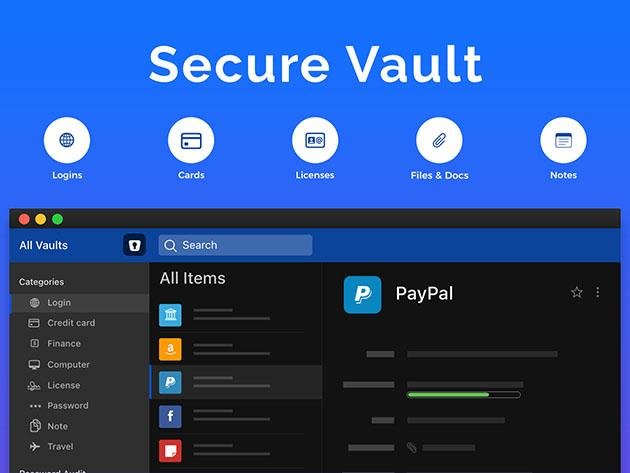
1Password is known for its strong security architecture, clean interface, and advanced password management features. It allows users to securely store passwords, payment information, secure notes, and sensitive documents in one encrypted vault.
The software supports passkeys, secure sharing, and multi-device synchronization, making it suitable for both individuals and families. Its travel mode also allows users to temporarily remove sensitive information from devices when traveling.
Bitwarden
Bitwarden has become one of the most trusted password managers thanks to its combination of strong security and affordability. It offers password storage, password generation, secure sharing, and synchronization across multiple devices.
Its open-source approach allows independent security experts to review its code, increasing transparency and user confidence. Both free and premium plans provide valuable features for different types of users.
x
Dashlane
Dashlane combines password management with additional privacy features designed to improve online security. Besides storing passwords securely, it offers password health reports, breach monitoring, and secure autofill functionality.
The application automatically identifies weak or reused passwords and encourages users to replace them with stronger alternatives.
Dashlane’s modern interface makes it easy for beginners while still providing advanced tools for experienced users.
NordPass
NordPass focuses on providing a simple yet secure password management experience. It stores login credentials using modern encryption methods and supports secure password sharing across devices.
The application also helps users identify weak passwords and organize important personal information within a protected environment. Its clean design makes password management straightforward for users of all experience levels.
NordPass continues to expand its features while maintaining a strong focus on privacy and ease of use.
Keeper Password Manager
Keeper is designed for individuals, families, and businesses that require advanced password security. It provides encrypted password storage, secure file storage, identity protection, and detailed security monitoring.
The platform also supports biometric authentication, making account access both and convenient. Businesses often choose Keeper because of its administrative controls and enterprise-level security options.
Its combination of strong encryption and flexible features makes it a reliable choice for professional environments.
Benefits of Using a Password Manager
Password managers provide much more than simple password storage. They improve security, simplify account management, and reduce the stress of remembering multiple login credentials.
As online accounts continue to increase, these tools have become valuable for protecting digital identities and maintaining better cybersecurity habits.
Create Strong and Unique Passwords
One of the biggest advantages of password managers is their ability to generate passwords automatically. Instead of relying on short or repeated passwords, users can create long, random combinations that are much harder to crack.
Using unique passwords for every account reduces the risk of multiple accounts being compromised if one password becomes exposed.
This simple improvement greatly strengthens overall online security.
Save Time During Login
Remembering dozens of passwords can become frustrating, especially for users who manage many online accounts. Password managers automatically fill login information, making the sign-in process much faster.
This convenience encourages users to maintain stronger passwords because they no longer need to memorize every credential manually.
Automatic login also reduces typing mistakes and improves the overall user experience.
Protect Sensitive Information
Many password managers allow users to store more than passwords. Secure notes, payment information, identification documents, and recovery codes can also be protected inside encrypted vaults.
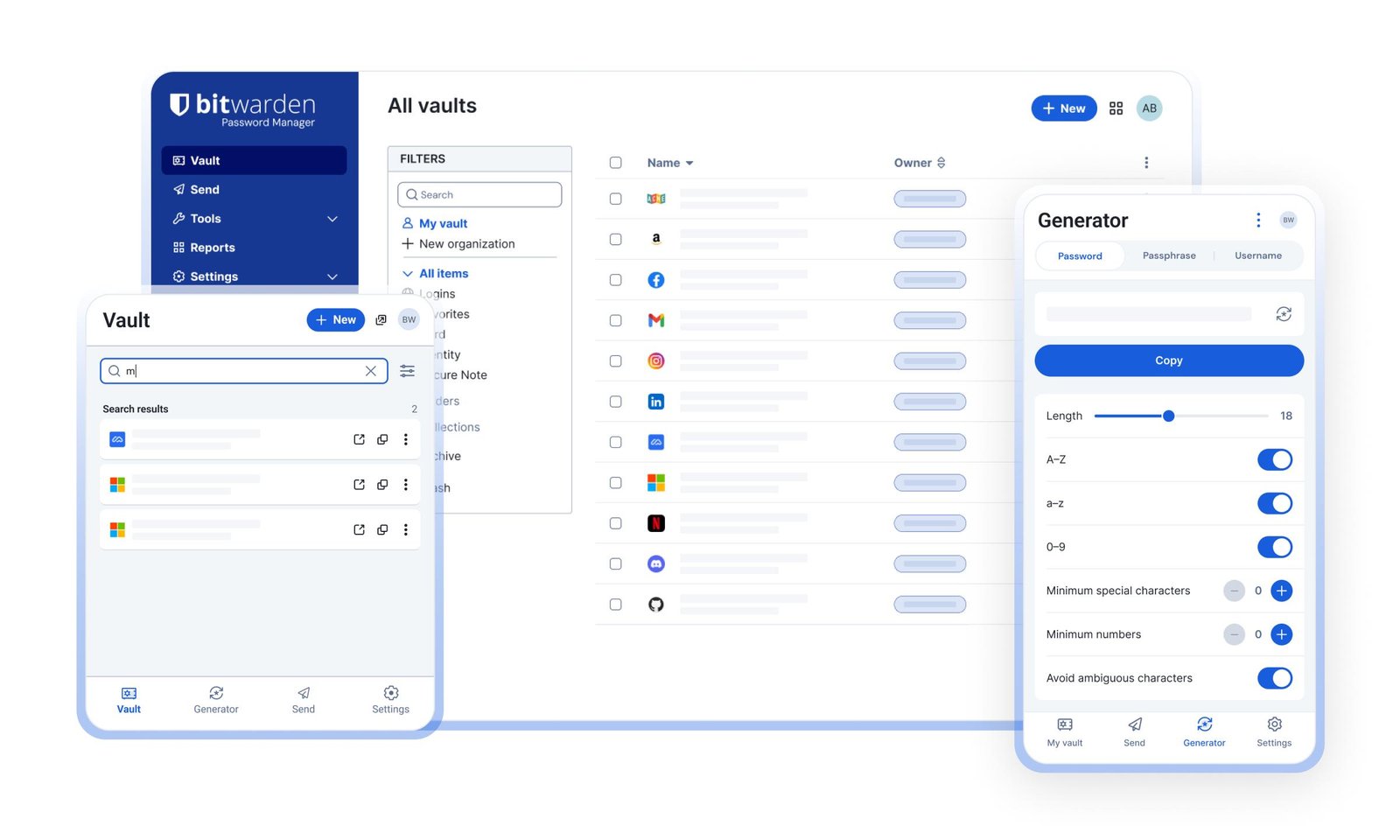
Keeping important information in one secure location reduces the risk of losing sensitive data or exposing it through insecure storage methods.
This creates a more organized and secure digital environment.
How to Choose the Right Password Manager
Selecting the best password manager requires considering both security and convenience. Different users have different needs, so comparing available features is important before making a decision.
A well-designed password manager should provide reliable protection without making everyday use complicated.
Evaluate Security Features
Strong encryption, multi-factor authentication, biometric login, breach monitoring, and passkey support are important security features to consider.
A trustworthy password manager should clearly explain how it protects user information and regularly update its security systems.
Choosing a provider with a strong security reputation increases long-term confidence.
Check Device Compatibility
Many people use multiple devices throughout the day, including computers, smartphones, and tablets. A password manager should synchronize information securely across all supported platforms.
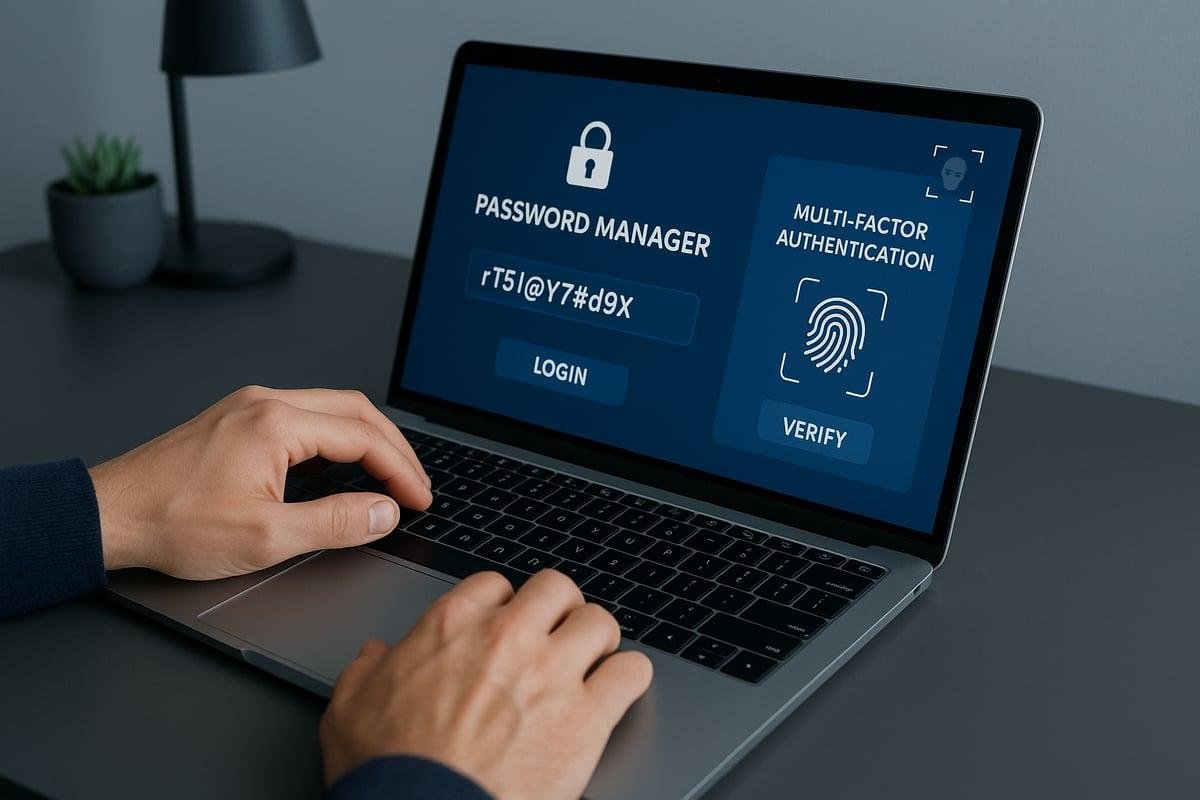
Cross-device compatibility ensures users can access their credentials whenever they need them.
This flexibility improves convenience without reducing security.
Compare Free and Premium Features
Free password managers often provide essential password storage, while premium versions include additional features such as secure sharing, encrypted file storage, advanced monitoring, and family plans.
Users should compare subscription options based on their personal requirements rather than choosing only by price.
A slightly more expensive service may provide significantly better protection and functionality.
Limitations of Password Managers
Although password managers offer excellent security benefits, they are not completely without limitations. Understanding these challenges helps users make informed decisions and use these tools responsibly.
Password managers improve security significantly, but they still require careful usage and good digital habits.
Dependence on the Master Password
The master password protects the entire password vault, making it one of the most important elements of the system. If users forget this password and do not have recovery options, accessing stored credentials can become difficult.
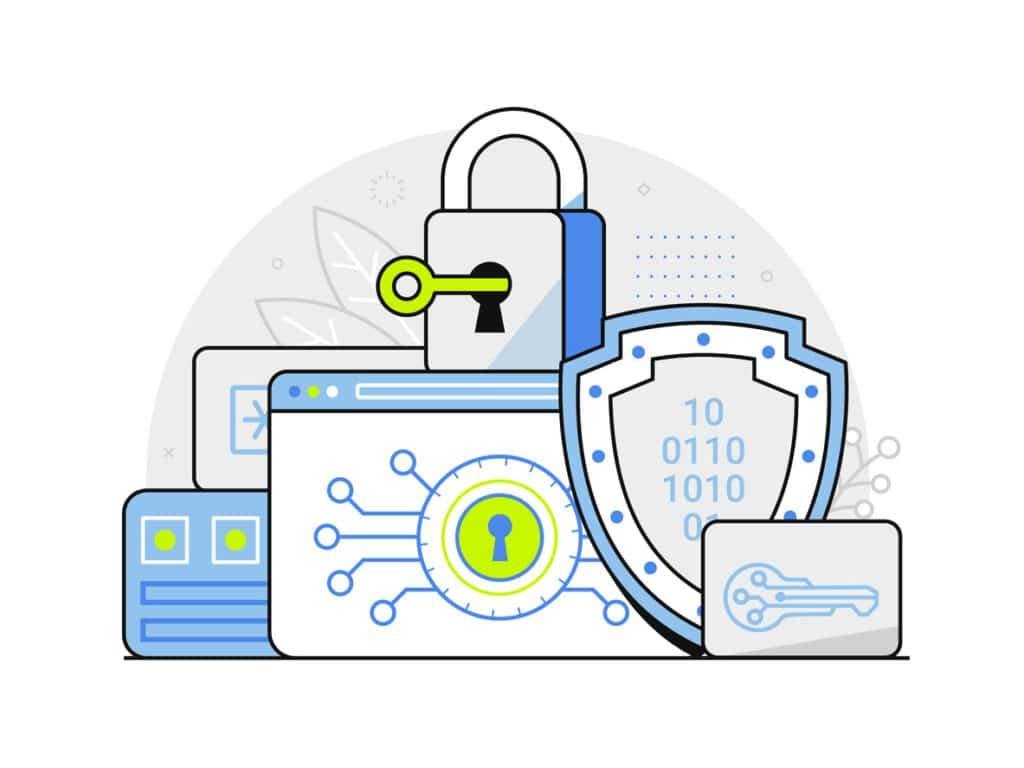
Creating a strong but memorable master password is essential for long-term security.
Users should also enable additional authentication methods whenever possible.
Learning Curve for New Users
People who have never used a password manager may initially find the setup process unfamiliar. Importing passwords, organizing accounts, and understanding different security features can require some time.
Fortunately, most modern password managers provide simple interfaces and guided tutorials that make learning much easier.
After the initial setup, daily usage usually becomes quick and convenient.
Subscription Costs
While many password managers provide free plans, advanced features often require paid subscriptions. Some users may hesitate to pay for password management software.
However, considering the value of protecting sensitive accounts and personal information, many users find premium features to be a worthwhile investment.
Choosing the right plan depends on personal security needs and budget.
Future of Password Managers
Password management technology continues to evolve as cybersecurity challenges become more advanced. Developers are introducing smarter security systems and reducing dependence on traditional passwords.
Future password managers are expected to become even more secure while providing a smoother user experience.
Growth of Passkeys
Passkeys are becoming an important alternative to traditional passwords. Many password managers already support passkeys, allowing users to sign in more securely without remembering complex credentials.
As more websites adopt passkey technology, password managers will play an important role in managing these digital credentials.
This shift is expected to improve both security and convenience.
AI-Powered Security Features
Artificial intelligence is beginning to assist password managers by detecting suspicious login activity, identifying weak security practices, and recommending stronger protection methods.
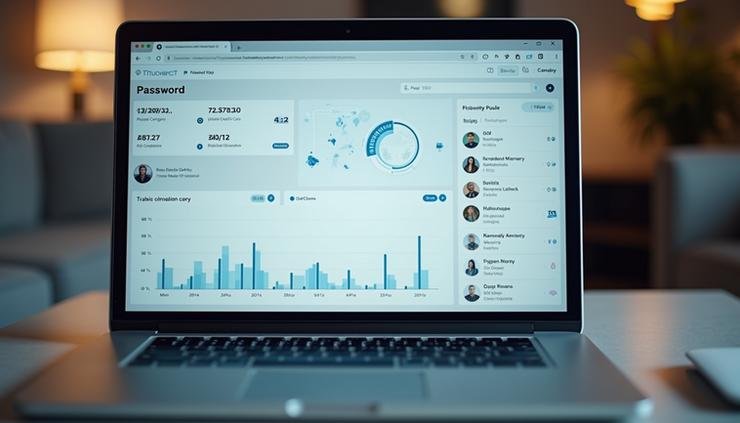
Future AI systems may automatically identify security risks before they become serious problems.
These intelligent features will help users maintain stronger digital security with less manual effort.
Password Managers for Students, Beginners, and Businesses
Different users have different security needs, but password managers provide valuable protection for almost everyone.
Whether managing a few accounts or hundreds of business logins, these tools improve organization and reduce security risks.
For Students
Students often create accounts for learning platforms, email services, cloud storage, and research websites. A password manager helps them organize these accounts securely while encouraging good cybersecurity habits.
Strong password management also protects academic information and personal data from unauthorized access.
Using secure passwords early helps students build responsible online practices.
For Beginners
Beginners can use password managers to simplify account security without needing advanced technical knowledge. Automatic password generation and autofill make secure online behavior much easier.
Most password managers provide user-friendly interfaces that guide new users through the setup process.
This allows beginners to improve security with minimal effort.
For Businesses
Businesses manage employee accounts, customer information, and sensitive company data every day. Password managers help organizations reduce security risks by creating stronger passwords and securely sharing credentials.
Administrative controls, audit logs, and centralized management also improve business cybersecurity.
These features help organizations maintain better protection while supporting team collaboration.
FAQs
Are password managers safe to use?
Yes. Reputable password managers use advanced encryption and multiple security layers to protect stored information. Choosing a trusted provider and using a strong master password greatly improves security.
Can a password manager generate strong passwords?
Yes. Most password managers include built-in password generators that create long, random, and highly secure passwords for every account.
What happens if I forget my master password?
Recovery options depend on the password manager you use. Some services provide recovery methods, while others cannot recover encrypted data for security reasons.
Are free password managers good enough?
Free password managers can provide excellent basic protection, but premium plans often include additional security features, synchronization options, and advanced monitoring tools.
Should businesses use password managers?
Yes. Password managers help businesses improve account security, reduce password-related risks, and simplify credential management across teams.
Conclusion
Password managers have become one of the most important cybersecurity tools . They help users create strong passwords, protect sensitive information, and simplify account management across multiple devices.
Solutions such as 1Password, Bitwarden, Dashlane, NordPass, and Keeper provide reliable security features for individuals, families, students, and businesses. Each offers unique advantages, allowing users to choose the option that best fits their security requirements.
Although no security solution can eliminate every online risk, using a trusted password manager significantly improves digital protection and encourages safer online habits. As password technology continues to evolve toward passkeys and AI-powered security, password managers will remain essential tools for protecting digital identities.