
Introduction
PDF files have become the standard format for sharing documents because they preserve formatting across different devices and operating systems. Businesses, schools, government offices, and individuals rely on PDFs for contracts, reports, resumes, invoices, presentations, and official documents. While PDFs are excellent for sharing information, editing them without the right software can be difficult.
A PDF editor allows users to modify text, add images, insert signatures, reorganize pages, convert file formats, and protect sensitive information. Modern PDF editors have evolved far beyond simple editing tools. Many now include artificial intelligence, cloud storage integration, optical character recognition, and collaboration features that make document management faster and more efficient.
the PDF editor depends on your workflow, budget, and editing requirements. Whether you are a student completing assignments, a professional handling business documents, or a company managing thousands of files, a reliable PDF editor can save time and improve productivity.
What Is a PDF Editor?
A PDF editor is software designed to create, edit, organize, convert, and secure PDF documents. Unlike a standard PDF reader, which only allows users to view files, a PDF editor provides tools for making changes without converting the document into another format.
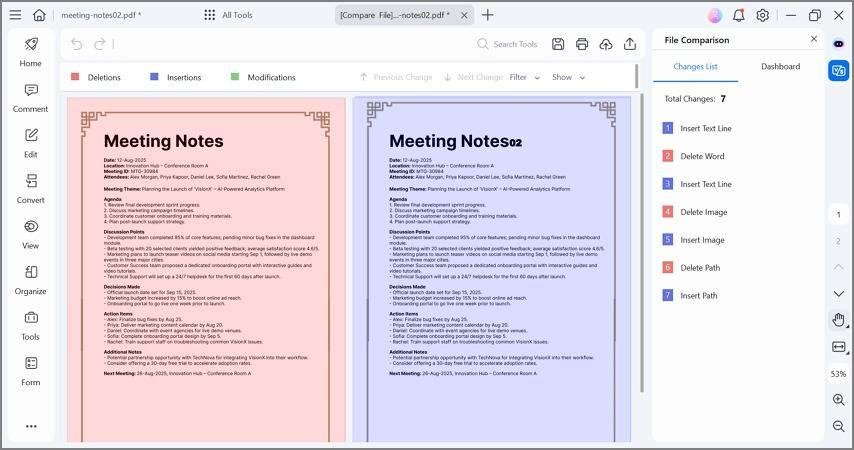
Most modern PDF editors support features such as text editing, image editing, annotations, page management, digital signatures, password protection, and file compression. These capabilities allow users to handle almost every document-related task from a single application.
PDF editors are widely used in education, healthcare, finance, legal services, and businesses because they simplify document management while maintaining professional formatting.
How Does a PDF Editor Work?
A PDF editor opens a PDF file and allows users to interact directly with its content. Instead of treating the document as a fixed image, the software identifies editable text, images, and page elements. Users can replace words, resize pictures, rearrange pages, or insert new content without affecting the document’s layout.
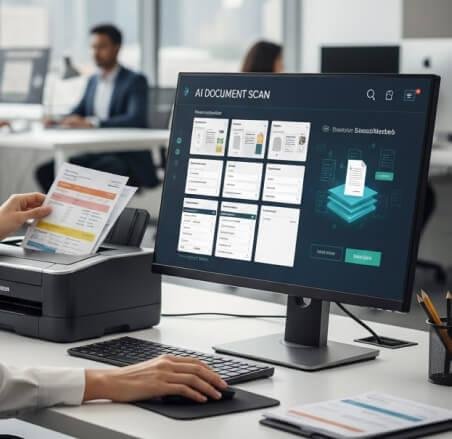
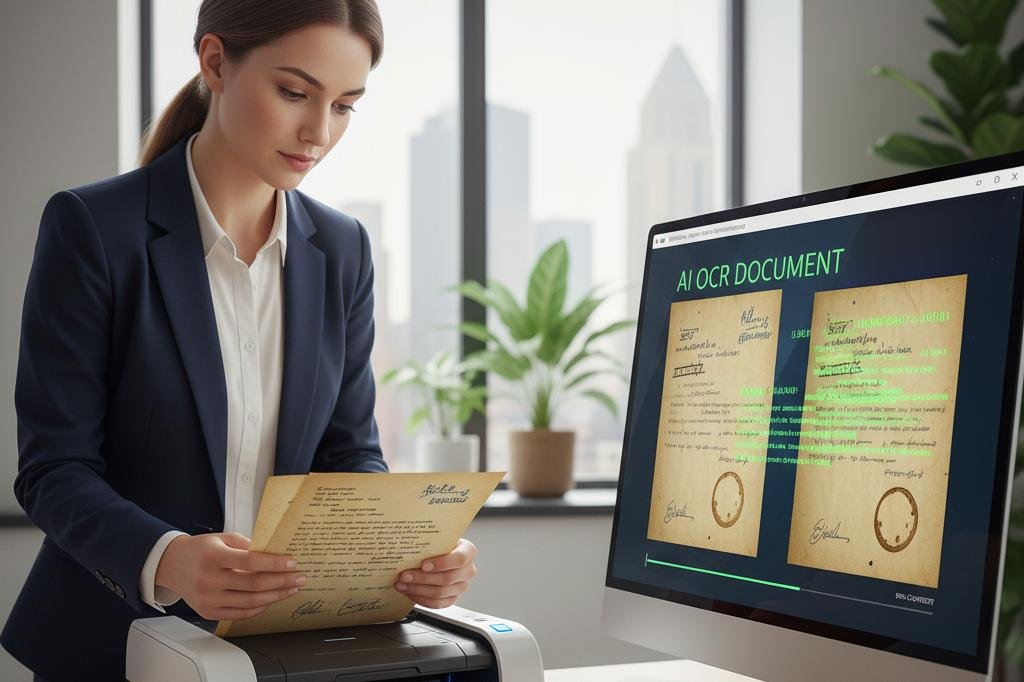
Many advanced editors also include OCR technology, which converts scanned documents into editable text. This feature is especially useful when working with printed documents that have been scanned into PDF format.
Cloud synchronization has also become common, allowing users to edit documents on one device and continue working on another without losing progress.
Why Are PDF Editors Important ?
Modern workplaces rely heavily on digital documents, making PDF editing an everyday requirement. Instead of printing documents for manual corrections, users can update files digitally, reducing paper usage and improving efficiency.
Remote work and online collaboration have also increased the demand for PDF editing software. Teams often review contracts, , reports, and presentations together, making annotation and commenting features extremely valuable.
As artificial intelligence becomes more integrated into productivity software, PDF editors now assist users by summarizing documents, improving text formatting, and automating repetitive editing tasks.
Best PDF Editors
Numerous PDF editing applications are available today, each offering different strengths. Some focus on professional document management, while others provide affordable solutions for personal use.
Selecting the right software depends on how frequently you work with PDFs and which features matter most for your daily tasks.
Adobe Acrobat Pro
Adobe Acrobat Pro remains one of the most comprehensive PDF editing solutions available. It provides professional tools for editing text, modifying images, converting files, creating forms, and securing sensitive documents.
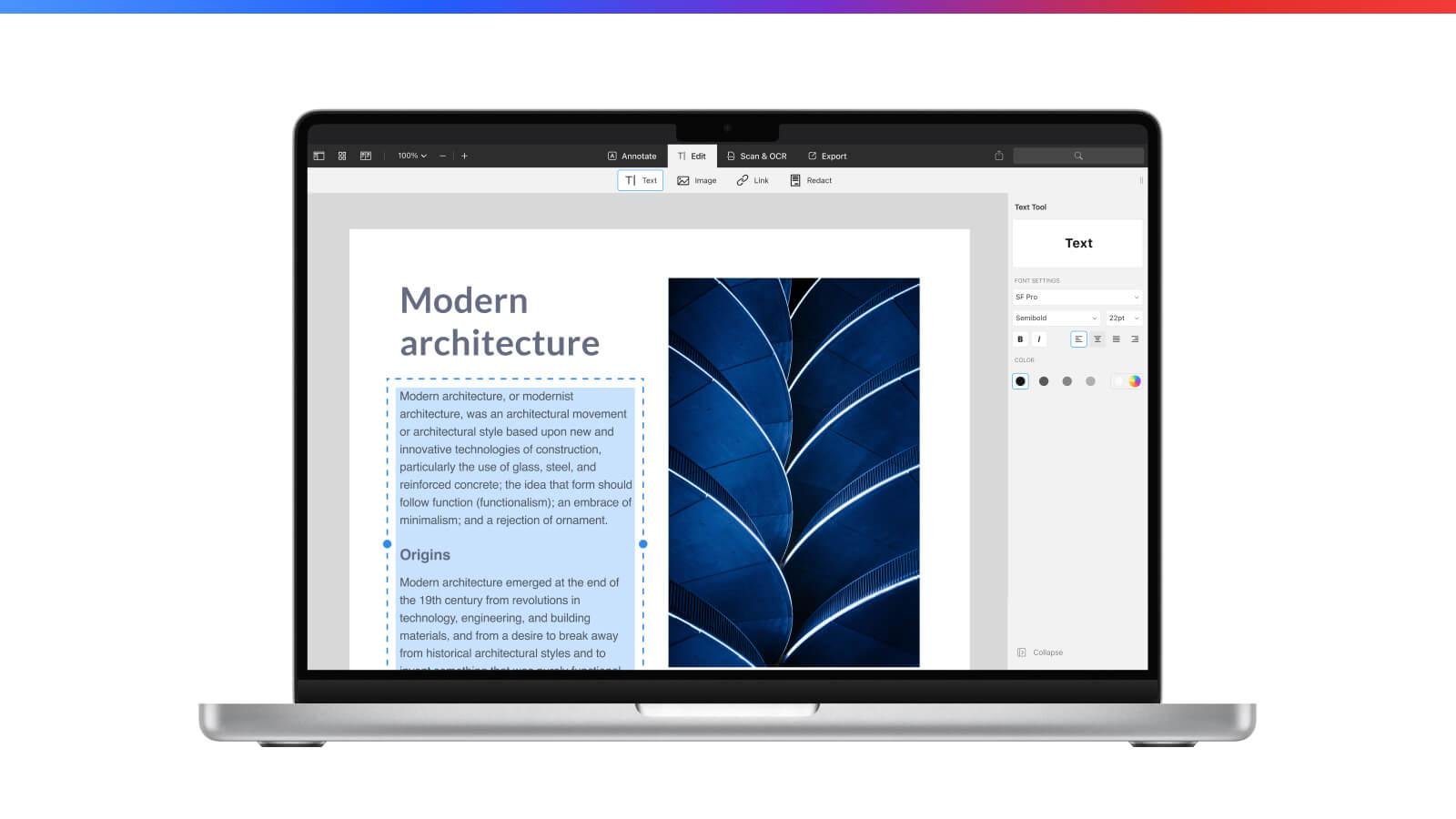
The software also includes advanced OCR capabilities, allowing users to convert scanned documents into fully editable files. Cloud synchronization makes it easy to continue working across multiple devices.
For professionals and businesses that regularly manage important documents, Adobe Acrobat Pro remains one of the strongest options available.
Why Professionals Choose Adobe Acrobat
Adobe has decades of experience developing PDF technology, making its editing tools highly reliable and feature-rich. The software supports complex formatting while maintaining document quality.
Its collaboration tools also simplify reviewing documents, collecting feedback, and tracking changes across teams.
Foxit PDF Editor
Foxit PDF Editor is known for combining powerful editing features with excellent performance. It provides text editing, annotation tools, form creation, document comparison, and secure file sharing.
The software is often preferred by businesses looking for professional functionality with an efficient user experience. Its lightweight design allows documents to open quickly without consuming excessive system resources.
Foxit also supports cloud integration, making document sharing and collaboration much easier.
Key Advantages of Foxit
Foxit offers an intuitive interface that helps both beginners and experienced users perform editing tasks efficiently. Its security features also help protect confidential business information.
Organizations appreciate its collaboration capabilities because multiple users can review and comment on documents during the editing process.
Nitro PDF Pro
Nitro PDF Pro focuses on productivity by offering comprehensive editing, , and collaboration tools. Users can edit documents, merge files, convert formats, and apply electronic signatures with ease.
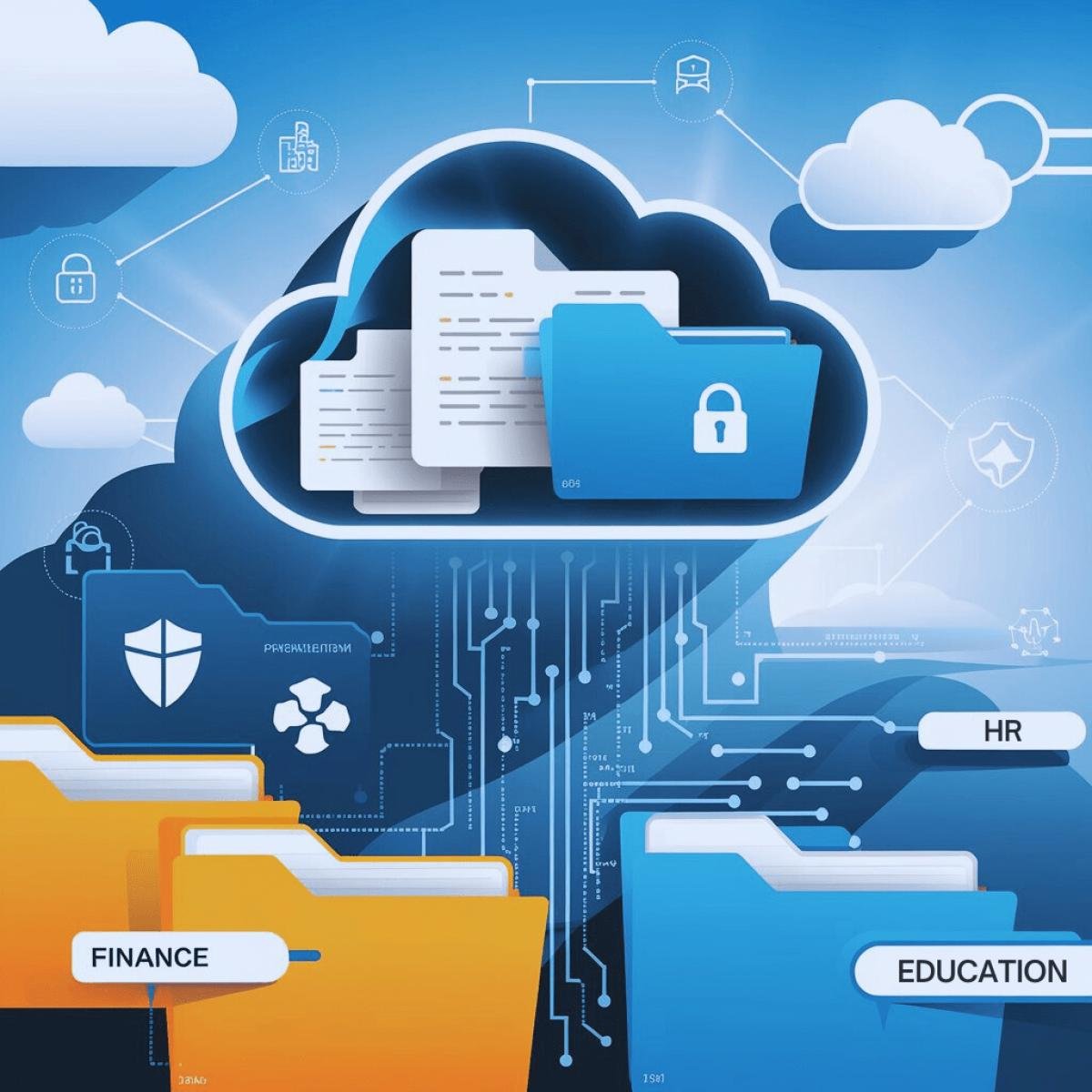
Its interface is designed to feel familiar to Microsoft Office users, reducing the learning curve for new users. Businesses often use Nitro because it supports efficient document workflows.
The software also includes cloud connectivity, making document management more flexible.
Why Nitro Is Popular
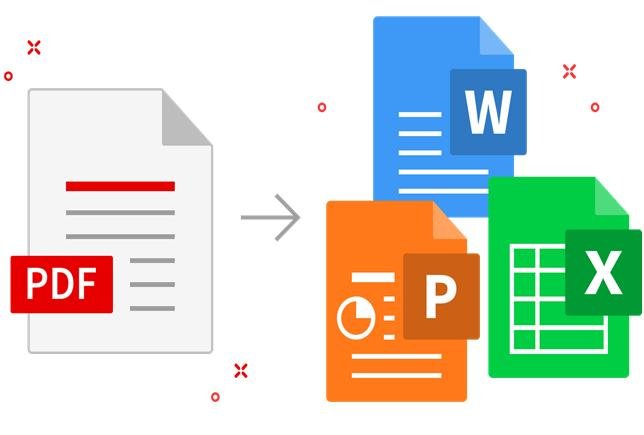
Nitro balances professional editing features with ease of use. It simplifies document creation while providing reliable conversion between Word, Excel, PowerPoint, and PDF formats.
Its collaboration tools also improve communication within teams working on shared documents.
PDFgear
PDFgear has gained popularity by offering many advanced editing features without requiring expensive subscriptions.
The software provides a clean interface that allows beginners to start editing documents quickly. Many users appreciate its focus on accessibility and ease of use.
Its growing feature set makes it a strong choice for personal and educational use.
Best Features of PDFgear
PDFgear combines document editing, conversion, and organization within a single application. Users can complete common PDF tasks without switching between multiple programs.
Its straightforward interface also reduces the amount of time needed to learn the software.
Wondershare PDFelement
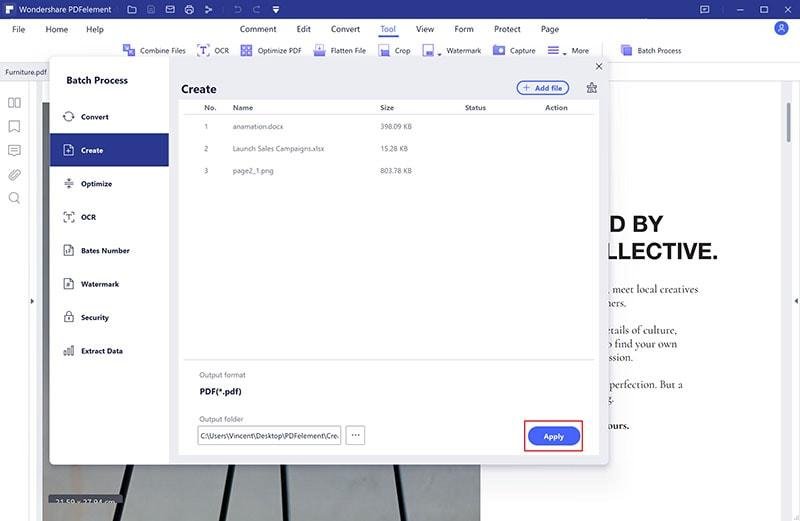
PDFelement offers a balanced combination of professional editing features and modern design. It supports text editing, form creation, annotations, document protection, and AI-powered assistance.
The software is suitable for both personal users and businesses that require flexible document management solutions.
Artificial intelligence features also help summarize documents and improve editing efficiency.
Why Users Like PDFelement
PDFelement focuses on simplifying complex editing tasks. Its modern interface allows users to locate important tools quickly without navigating complicated menus.
The AI-powered features also improve productivity by automating repetitive document tasks.
Benefits of Using PDF Editors
A PDF editor provides far more than simple document editing. It improves productivity, simplifies collaboration, and helps users maintain professional document quality.
Whether editing contracts, resumes, reports, or presentations, a reliable PDF editor saves time while reducing manual work.
Edit Documents Without Recreating Them
Instead of rebuilding an entire document from scratch, users can modify existing PDFs directly. This saves considerable time, especially when only small changes are required.
Maintaining the original formatting also helps preserve the document’s professional appearance.
This capability is especially valuable for businesses handling contracts and official documents.
Convert Files Easily
Most PDF editors allow users to convert documents between PDF and formats such as Word, Excel, PowerPoint, and images.
This flexibility makes it easier to reuse information without manually copying text or rebuilding documents.
Accurate conversion also reduces formatting problems during editing.
Improve Collaboration
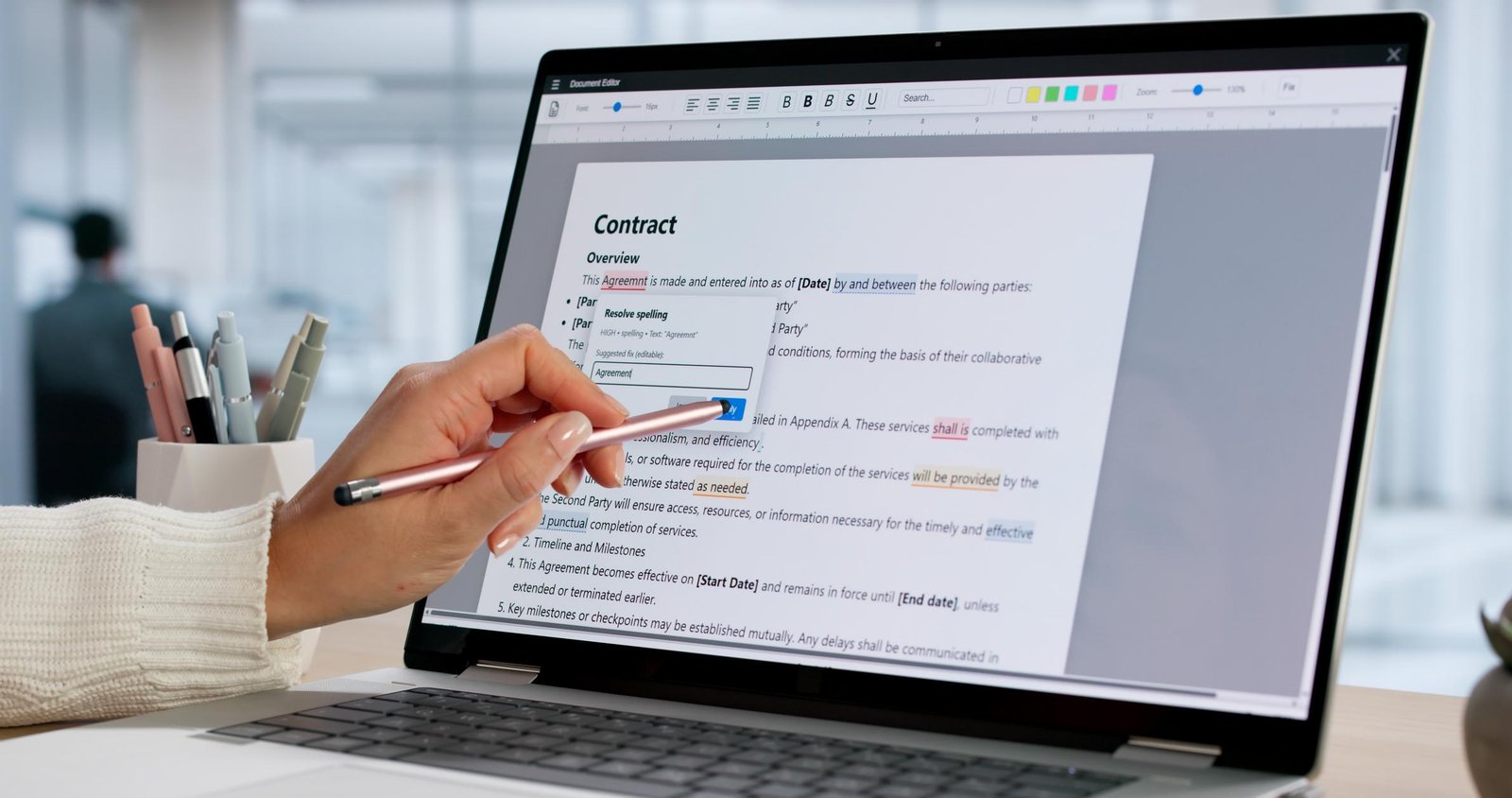
Modern PDF editors include annotation, commenting, highlighting, and digital signature features that improve teamwork.
Multiple people can review the same document, provide suggestions, and approve changes without printing physical copies.
This creates a faster and more organized review process.
How to Choose the Right PDF Editor
Choosing the best PDF editor depends on your editing requirements, budget, and preferred workflow. Some users need simple editing tools, while others require advanced business features.
Evaluating your daily document needs will help you select software that provides the best value.
Consider Your Editing Requirements
Users who only edit occasional documents may not need advanced enterprise features. Professionals managing contracts, reports, and business files often benefit from more comprehensive editing capabilities.
Understanding your workload prevents paying for unnecessary features.
Choosing software that matches your needs also improves long-term productivity.
Compare Features Carefully
Important features include OCR, file conversion, cloud storage, digital signatures, document security, AI assistance, and collaboration tools.
Comparing feature lists allows users to identify software that provides the greatest overall value.
Future software updates should also be considered before making a decision.
Think About Ease of Use
A clean interface can significantly improve productivity because users spend less time searching for tools.
Software with intuitive navigation is especially helpful for beginners who are learning PDF editing for the first time.
An easy-to-use editor encourages consistent and efficient document management.
Limitations of PDF Editors
Although PDF editors provide powerful functionality, they also have certain limitations that users should understand before selecting software.
Knowing these limitations helps users choose realistic solutions for their editing needs.
Advanced Features May Require Payment
Many free PDF editors include only basic editing capabilities. Professional features such as OCR, AI tools, advanced security, and cloud collaboration often require premium subscriptions.
Users should compare subscription costs with the value provided.
Investing in professional software can be worthwhile for frequent users.
Complex Documents Can Be Challenging
Highly designed documents with advanced layouts may not always remain perfectly formatted after editing.
Some editors handle complicated formatting better than others, making software choice important.
Testing software before committing to a subscription can prevent future problems.
Learning Advanced Tools Takes Time
Basic editing is usually simple, but advanced functions such as interactive forms, automation, and document comparison require practice.
Fortunately, most modern PDF editors include tutorials that help users become productive more quickly.
Future of PDF Editors
PDF editing technology continues to evolve alongside artificial intelligence and cloud computing. Future software will become even more intelligent and efficient.
Users can expect smarter automation, better collaboration, and faster document processing.
AI Will Transform Document Editing
Artificial intelligence will continue improving document summarization, proofreading, translation, and formatting suggestions.
Future AI systems may automatically identify errors, improve layouts, and recommend content updates.
These capabilities will further reduce manual editing work.
Better Cloud Collaboration
Cloud-based editing will continue expanding, allowing teams to edit, review, and approve documents simultaneously from different locations.
Improved synchronization will reduce version conflicts and simplify remote teamwork.
Businesses will benefit from more efficient document workflows.
PDF Editors for Students, Beginners, and Businesses
Different users require different PDF editing capabilities, but modern software provides valuable tools for everyone.
Selecting software based on your specific needs helps maximize productivity while avoiding unnecessary complexity.
For Students
Students can use PDF editors to annotate lecture notes, complete assignments, edit research papers, and organize study materials.
OCR features also help convert scanned textbooks into editable documents for easier note-taking.
These capabilities improve both learning efficiency and document organization.
For Beginners
Beginners benefit from PDF editors with simple interfaces and clear editing tools. Basic functions such as text editing, highlighting, and file conversion provide an excellent starting point.
As confidence grows, users can gradually explore more advanced features.
Learning PDF editing also improves digital productivity skills.
For Businesses
Businesses rely on PDF editors to manage contracts, invoices, employee records, reports, proposals, and confidential documents.
Secure collaboration, digital signatures, and document protection improve operational efficiency while reducing paperwork.
Professional PDF editing software supports faster and more organized business workflows.
FAQs
Are free PDF editors good enough?
Free PDF editors are suitable for basic tasks such as viewing, simple editing, and annotations. Professional users often benefit from premium features like OCR, AI assistance, and advanced security.
Which PDF editor is best for business use?
Adobe Acrobat Pro, Foxit PDF Editor, Nitro PDF Pro, and PDFelement are popular choices because they offer advanced document management and collaboration features.
Can PDF editors convert files into Word documents?
Yes. Most modern PDF editors support conversion between PDF and formats such as Word, Excel, PowerPoint, and images while preserving formatting as accurately as possible.
Do PDF editors support scanned documents?
Many advanced PDF editors include OCR technology that converts scanned documents into editable text, making them much easier to modify.
Are PDF editors secure?
Reputable PDF editors provide encryption, password protection, permission controls, and digital signature support to help protect sensitive documents.
Conclusion
PDF editors have become essential productivity tools for students, professionals, and businesses . They simplify document editing, improve collaboration, support file conversion, and help users manage digital documents more efficiently.
Applications such as Adobe Acrobat Pro, Foxit PDF Editor, Nitro PDF Pro, and Wondershare PDFelement provide a wide range of features for different types of users. Whether you need basic editing or advanced document management, selecting the right software can significantly improve your workflow.
As artificial intelligence and cloud technology continue to advance, PDF editors will become even smarter, making document creation, editing, and collaboration faster, more secure, and more convenient than ever before.